

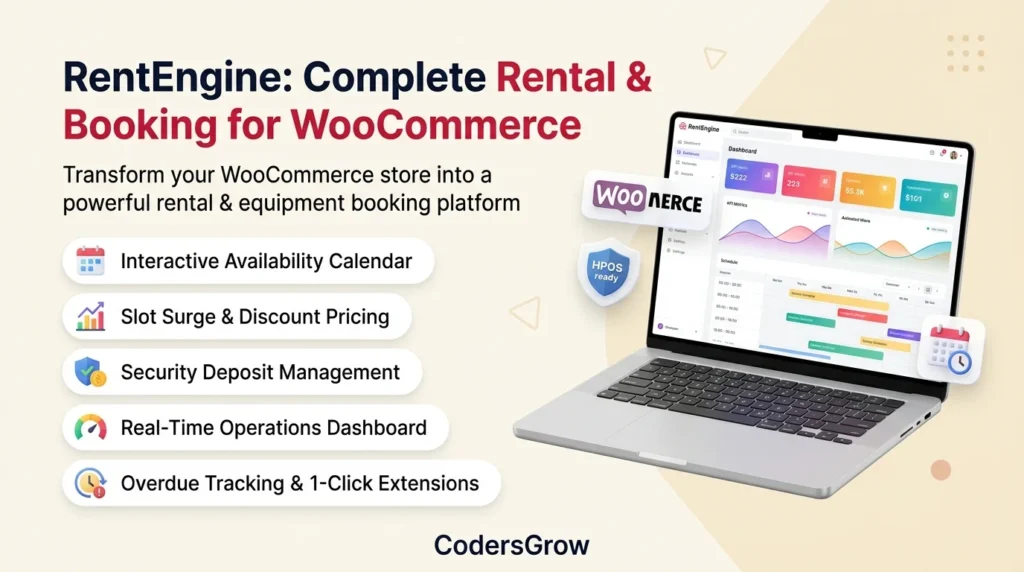
Setting up a profitable woocommerce rental booking system is one of the highest-margin e-commerce strategies for modern online stores, rental shops, and equipment hire businesses. However, selling rentals and scheduled bookings requires vastly different infrastructure than standard retail inventory. From managing turnaround buffers and security deposit hold authorizations to handling time slot surge pricing and overdue rental returns, traditional checkout workflows quickly break down without specialized rental architecture.
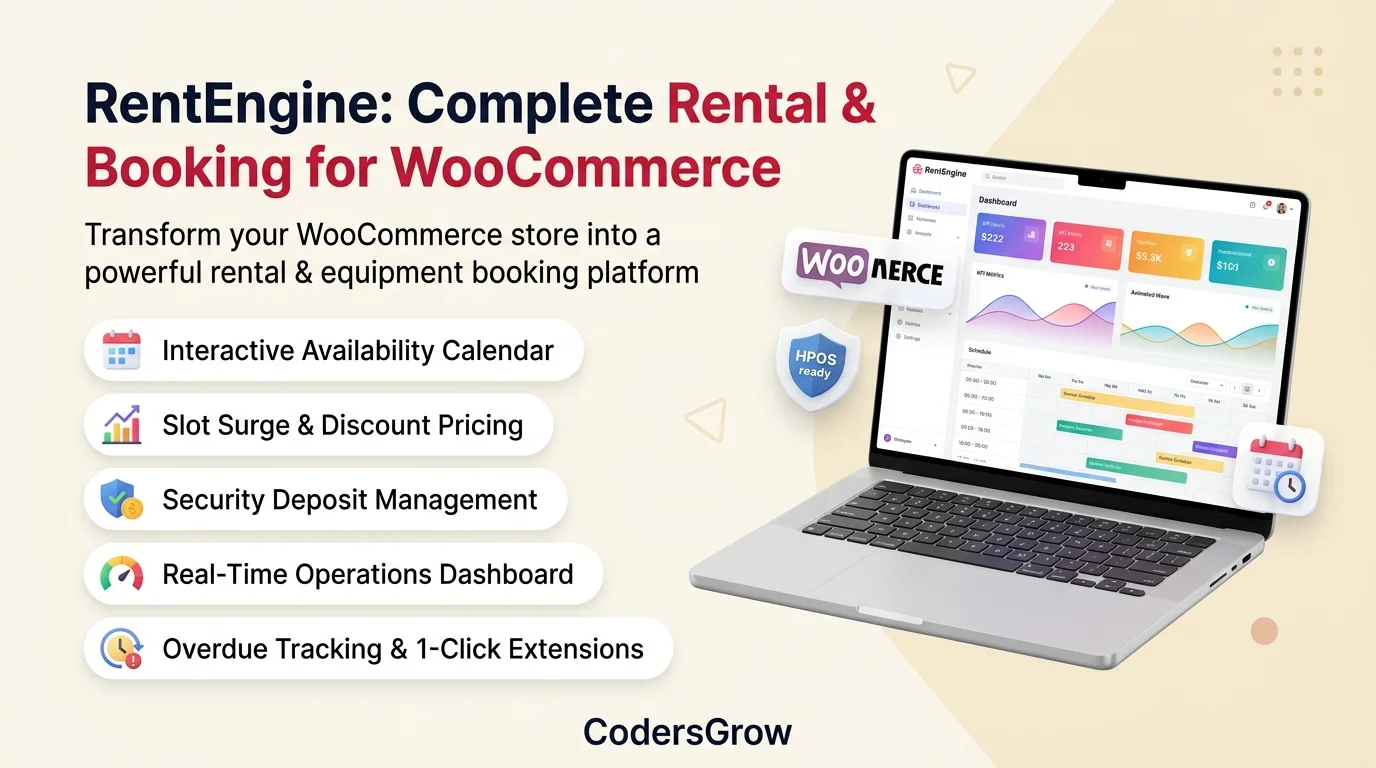
According to Baymard Institute’s e-commerce usability research, checkout abandonment increases dramatically when customers face rigid scheduling friction, unexpected surprise fees, or unclear return terms. That is where RentEngine: Rental & Booking Engine for WooCommerce transforms standard store catalogs into robust, automated equipment and event rental powerhouses.
Why Traditional E-Commerce Fails for Rental & Booking Businesses
Standard WooCommerce products operate on a simple assumption: once a customer purchases an item, inventory decrements permanently and ships. In contrast, woocommerce rental booking workflows revolve around a multi-dimensional lifecycle:
- Temporal Availability & Multi-Day Overlaps: An item is not permanently gone; it is reserved for an exact window (hours, days, weeks, or months) and automatically returns to available stock following inspection and cleaning.
- Slot-Specific Demand Surges & Off-Peak Discounts: High-demand prime time slots (such as morning 9:00 AM – 11:00 AM pick-ups or weekend afternoons) warrant premium surcharges, while mid-week or off-peak hours benefit from conversion-boosting percentage discounts.
- Security Deposit Lifecycle: Store owners need to collect refundable damage security deposits during checkout, with the flexibility to release funds in one click or deduct repair expenses upon item return.
- Real-Time Operations Management: Dispatchers and warehouse managers require a dedicated operations control center to monitor scheduled pickups, incoming returns, overdue items, and live rental revenue in real time.
RentEngine Architectural Breakdown: Core Capabilities
RentEngine is engineered from the ground up to solve every operational challenge encountered in rental commerce. Below is an in-depth breakdown of each core feature built into the platform.
1. Real-Time Operations Dashboard & Responsive Date Filter
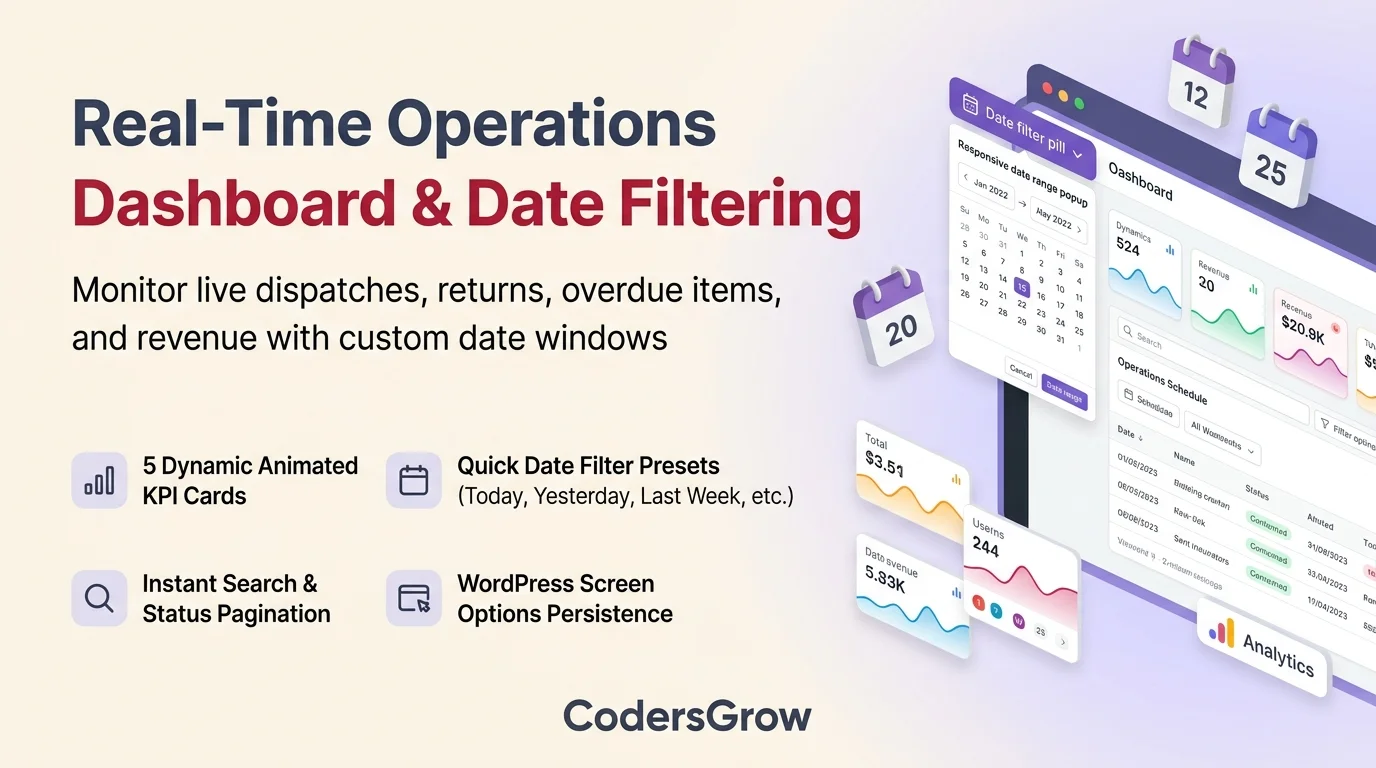
Managing day-to-day rental logistics requires immediate visibility into what is in the field and what is coming back. The RentEngine Operations Dashboard equips store managers with:
- 5 Animated KPI Metric Cards: Live tracking of Active Rentals (In Field), Pickups Scheduled, Returns Due, Overdue Rentals (Needs Attention), and Total Rental Revenue, rendered with modern 110px smooth-animated wave backgrounds.
- Responsive Date Range Filter Popup: Clickable header date pill that opens a clean modal with instant presets (Today, Yesterday, Last Week, Last Month, Last Quarter, Last Year, and Custom Date Range).
- WordPress Screen Options Integration: Store administrators can customize and persist their default dashboard filter directly within WordPress Screen Options (or in-popup checkbox), saving user preferences automatically.
- Live Search & Status Pagination: Real-time keyword filtering across customer names, booking IDs, and product titles, paired with status filters (Active, Due Today, Overdue, Confirmed, Ready for Pickup, Returned, Completed) and instant client-side pagination.
2. Interactive Monthly Availability Calendar & Slot Surge Pricing
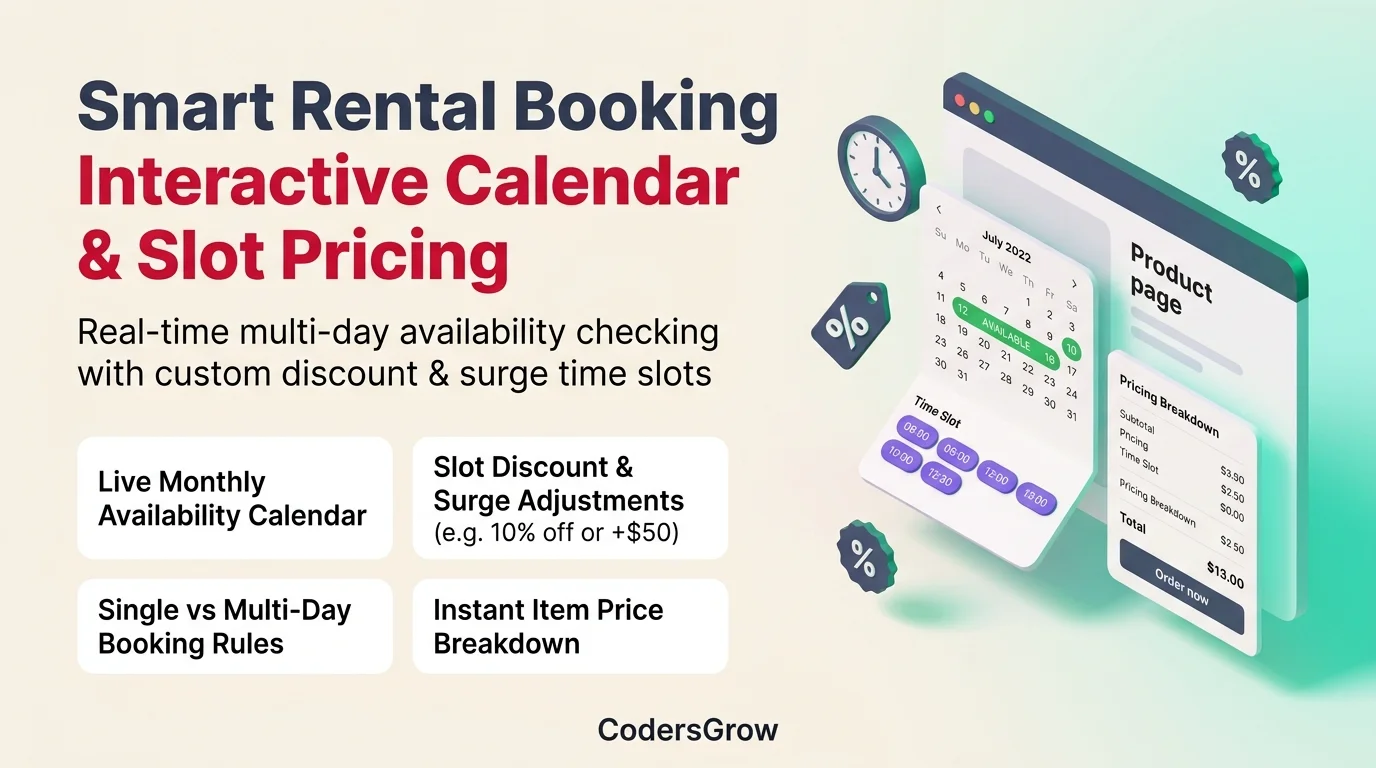
The frontend customer experience is critical for maximizing conversions in any woocommerce rental booking store. RentEngine provides a dynamic, mobile-first booking interface on single product pages:
- Interactive Monthly Grid: Real-time visual availability indicators highlighting Available (green badge), Selected Range (purple pill), Unavailable / Fully Booked (red badge), and Past Dates (muted grey).
- Single-Day & Multi-Day Modes: Configure products for flexible multi-day spans or dedicated single-day bookings with automatic validation notices.
- Dynamic Time Slot Adjustments: Define granular time slots with custom pricing adjustments—such as applying a 10% discount on off-peak morning hours (9:00 AM – 11:00 AM) or a +$50 flat surge on peak afternoon slots (1:00 PM – 3:00 PM).
- Live Price Breakdown Box: Real-time client-side calculation summarizing base rental rate, duration discounts, slot adjustments, weekend multipliers, refundable security deposit, and total booking charge.
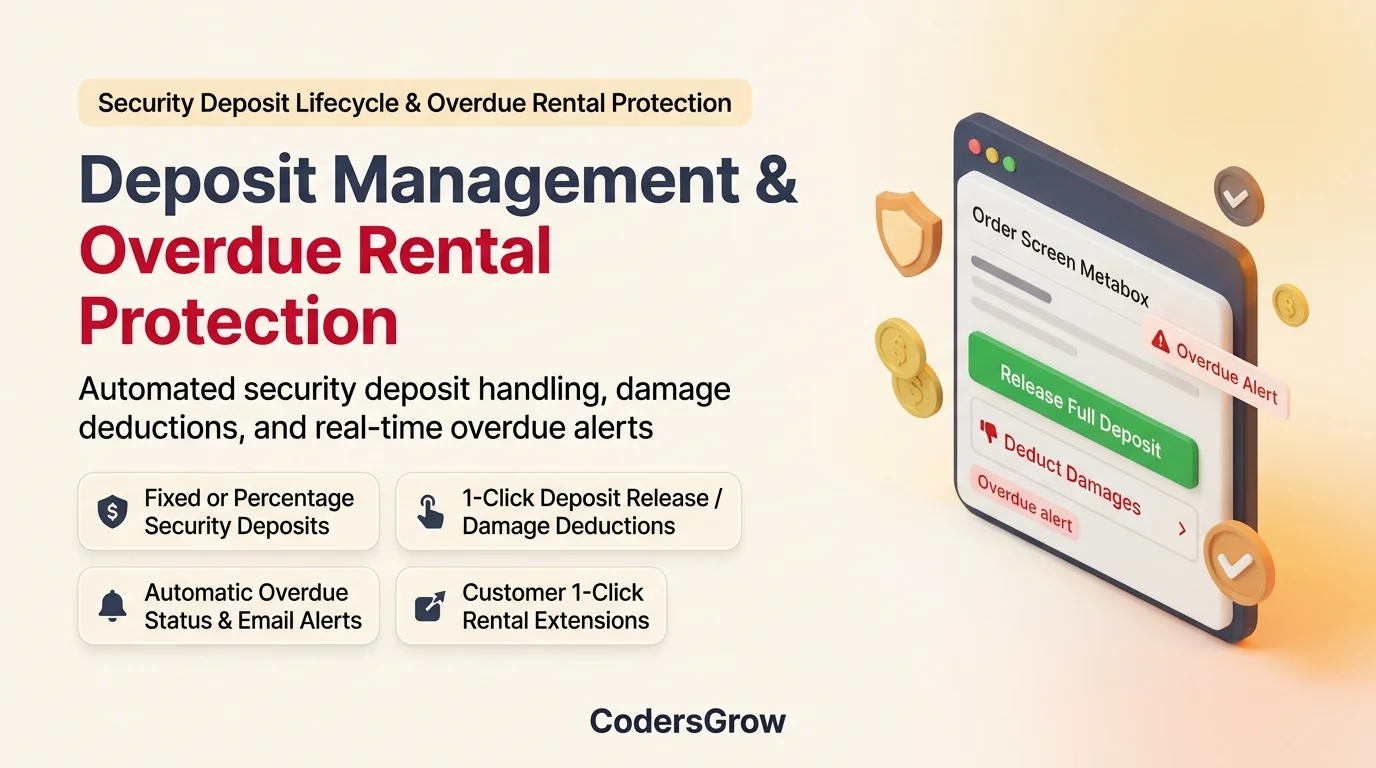
3. Security Deposit Management & Damage Deductions
Protecting valuable rental equipment against loss or damage is seamless with RentEngine’s integrated deposit architecture:
- Flexible Deposit Rules: Collect refundable deposits as either a fixed dollar amount (e.g. $150 per unit) or a dynamic percentage (e.g. 20% of rental total) during standard WooCommerce checkout.
- 1-Click Full Deposit Release: When items are returned in pristine condition, administrators can release the full deposit directly from the WooCommerce Order Edit screen with a single click.
- Damage Deduction Workflow: If equipment is returned damaged or soiled, admins can deduct custom damage fees with an audit trail note and refund the remaining balance to the customer’s payment method.
4. Automated Overdue Protection & Grace Periods
Unreturned equipment directly impacts subsequent bookings. RentEngine includes background cron automation that continuously evaluates active bookings:
- Real-Time Grace Period Evaluation: Automatically triggers overdue status transitions when rentals exceed their return deadline and configurable store grace buffer.
- Automated Overdue Email Notifications: Sends urgent notices to customers detailing late penalties and return instructions.
- 1-Click Customer Rental Extensions: Customers can log into their WooCommerce My-Account portal, review active bookings, select a new return date, and instantly checkout to extend their rental duration if inventory is available.
RentEngine vs Traditional Booking Plugins
Here is how RentEngine compares against generic booking extensions for WordPress:
| Capability / Feature | RentEngine (CodersGrow) | Generic Booking Plugins |
|---|---|---|
| Operations Dashboard | 5 Animated KPI Cards + Live Search & Date Filter Popup | Basic static list table |
| Slot Surge & Discount Pricing | Built-in (+% or -$ adjustments per time slot) | Requires paid third-party add-ons |
| Security Deposit Lifecycle | Built-in 1-Click Release & Damage Deductions | Manual offline handling |
| Overdue Cron Protection | Automated background status & email alerts | None (manual admin monitoring) |
| 1-Click Customer Extensions | Native My-Account Extension Flow | Requires manual re-ordering |
| HPOS & Store API Ready | 100% High-Performance Order Storage Certified | Often limited to legacy post meta |
Step-by-Step Tutorial: Setting Up a High-Converting Rental Product
Setting up your first rental product in WooCommerce takes less than 3 minutes with RentEngine:
- Enable Rental System: Navigate to RentEngine → Settings and enable the rental core module, set default duration units (hours, days, weeks, months), and configure your store turnaround buffer.
- Configure Product Rental Options: Edit any WooCommerce product, check “Enable Rental for this Product” in the Product Data panel, and choose between standard date selection or interactive monthly calendar.
- Set Time Slots & Pricing Adjustments: Enable slot booking, define your operational intervals (e.g. 09:00 to 11:00, 13:00 to 15:00), and add slot discounts or surge rates.
- Assign Security Deposit: Specify your required deposit amount (e.g. $100 fixed or 25% percentage) to automatically collect security funds at checkout.
- Monitor Live Operations: Head to RentEngine → Dashboard to track pickups, returns, active rentals, and revenue across any custom date window.
Frequently Asked Questions (FAQ)
Does RentEngine support High-Performance Order Storage (HPOS)?
Yes. RentEngine is built using dedicated custom database tables (wp_cg_re_bookings, wp_cg_re_inventory_locks) and fully integrates with WooCommerce HPOS without legacy postmeta dependencies.
Can I apply both discounts and surcharges to different time slots?
Absolutely. RentEngine allows you to configure multiple time slots per product with independent adjustment types: percentage discount, fixed discount, percentage surge, or fixed surcharge.
How does RentEngine prevent double-booking during checkout?
RentEngine features an automated checkout hold lock engine. When a customer selects a booking slot, inventory is held temporarily for a configurable buffer window (e.g. 15 minutes) while they complete payment, preventing concurrent double-booking.
Can customers extend their rental period online?
Yes. Customers can view active reservations in their My-Account portal, click “Extend Rental”, select a new return date/time, and complete checkout to extend their booking instantly.
Conclusion & Getting Started
Launching an automated woocommerce rental booking store no longer requires stitching together disparate booking plugins, manual deposit ledgers, or clunky calendar tools. With RentEngine, you get a unified platform covering frontend interactive scheduling, dynamic slot surge pricing, full security deposit workflows, real-time overdue protection, and an executive operations dashboard.