

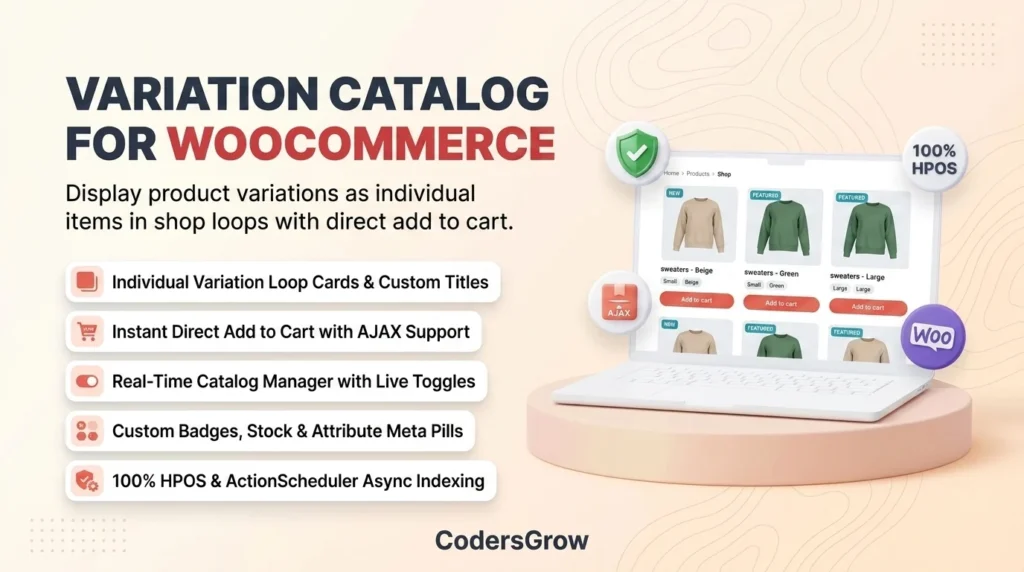
Learning how to woocommerce show variations as single products is one of the most effective strategies to unlock massive store revenue and boost checkout conversion rates. In standard WooCommerce stores, product variations—such as different sizes, colors, flavors, and material options—remain locked inside drop-down selectors on the single product page. This artificial barrier forces shoppers to click through multiple pages just to see what colors or styles exist in your catalog.
According to comprehensive e-commerce usability research from the Baymard Institute, over 22% of shoppers abandon browsing sessions when product variations are hidden behind nested menus. When customers cannot immediately see the exact color or size they desire on the main shop loop, they assume you do not carry it.
In this definitive guide, you will learn how to unlock and display every product variation as an independent item on your shop loop, category archives, and search results using Variation Catalog List for WooCommerce.
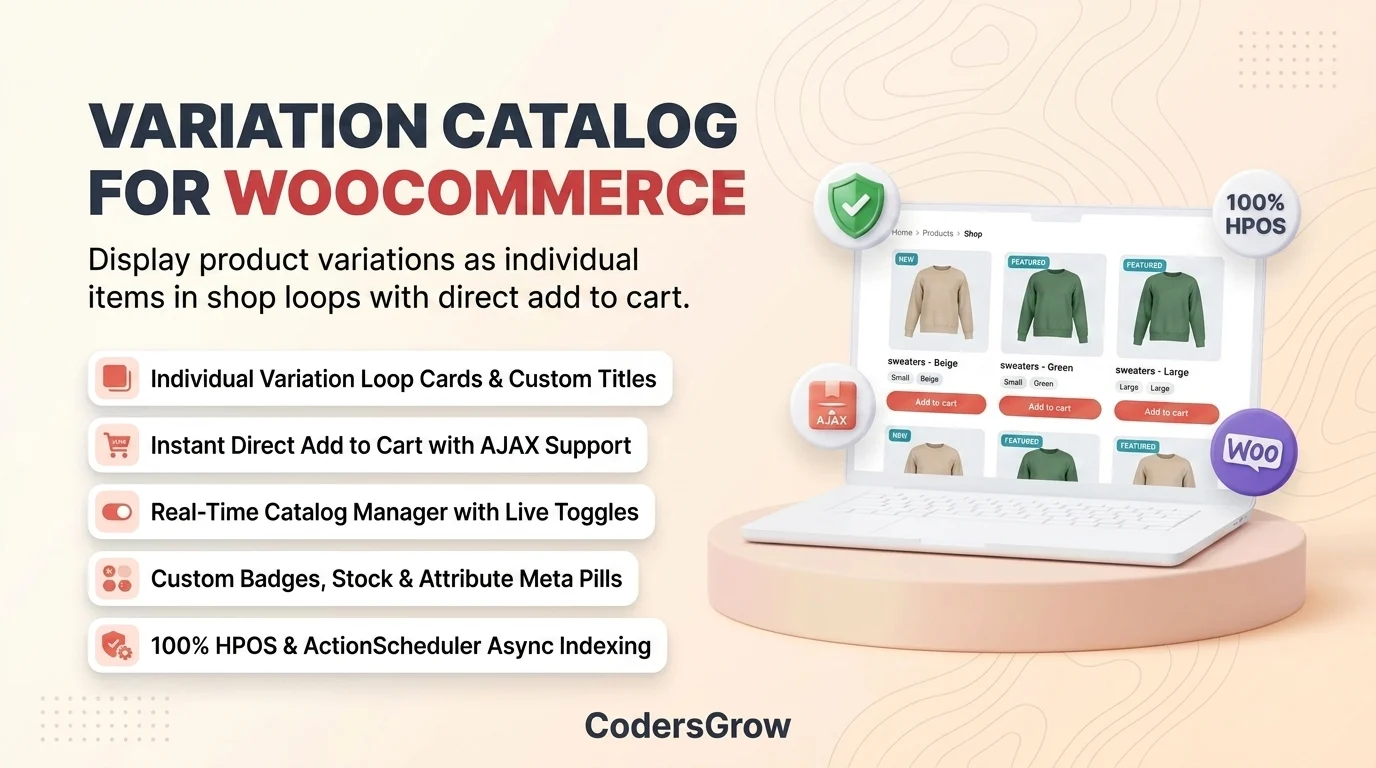
Why WooCommerce Show Variations as Single Products Unlocks Higher Conversions
When you transform complex variable products into standalone visual cards in your store catalog, you fundamentally upgrade your storefront’s purchasing psychology. Instead of viewing a single generic parent listing, customers are greeted by an expansive, vibrant catalog showcasing every available aesthetic and dimension.
Here is why top-performing online retailers adopt this display architecture:
- Instant Visual Discovery: Shoppers immediately spot specific colors, patterns, and sizes while scrolling archive pages without tedious page reloads.
- Reduced Click Friction: Every variation card includes a direct Add-to-Cart action button, enabling instant one-click buying directly from the shop loop.
- Enhanced Catalog Density: Stores with 20 variable products instantly appear as a massive, rich catalog of 100+ unique choices, increasing perceived store authority.
- Targeted Search & Attribute Filtering: Shoppers searching for specific terms (e.g., “Red Large Sweater” or exact variation SKUs) land directly on the relevant variation.
Real-Time Administration: The Interactive Catalog Manager
A key hurdle in managing variable catalogs is administrative complexity. Variation Catalog List for WooCommerce solves this with a unified, real-time administrative interface located at WooCommerce > Variation Catalog.
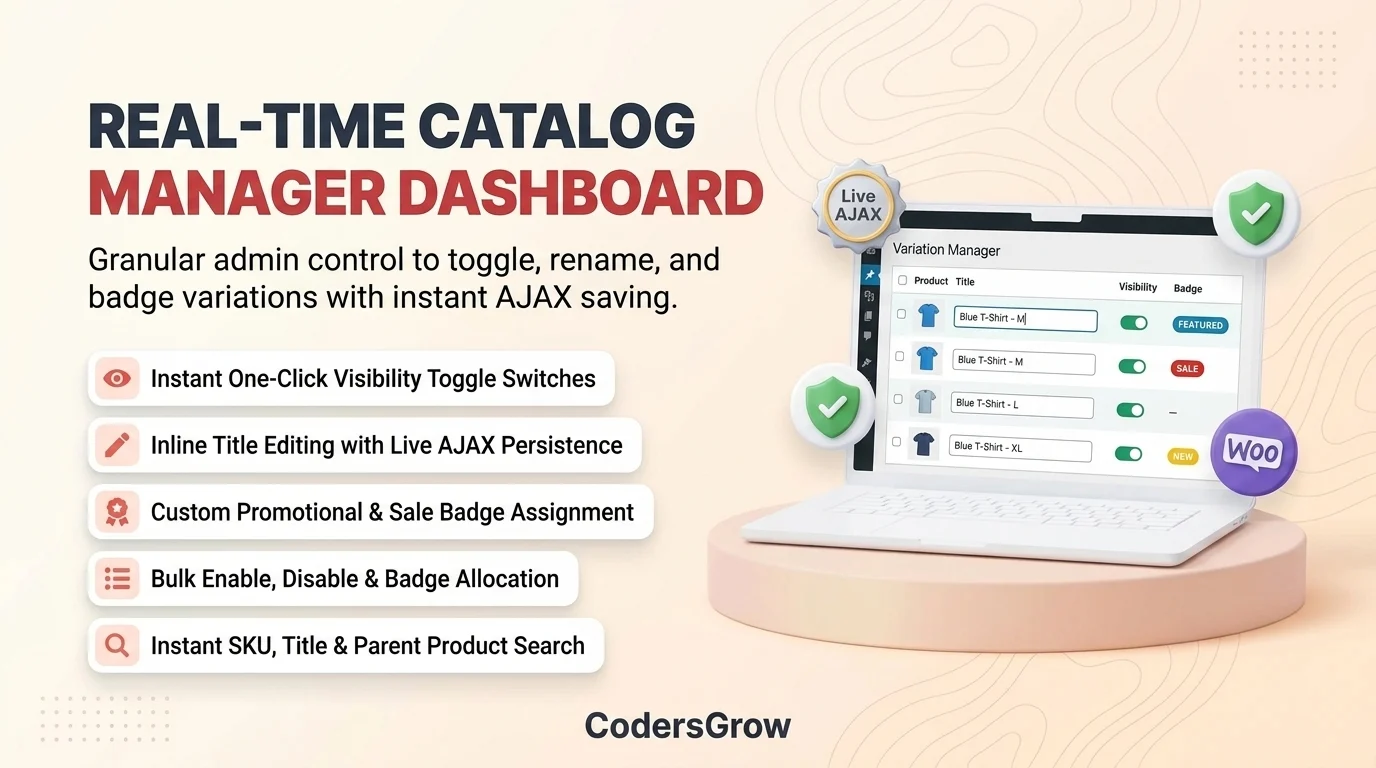
Store administrators gain total control over which variations appear in public loops through an intuitive administrative table:
- Live Visibility Switches: Toggle public catalog visibility for any variation with instant AJAX background saving.
- Inline Title Overrides: Rename specific variations on the fly without entering individual product edit screens.
- Promotional Badge Assignment: Assign promotional overlays (such as “Sale”, “New”, or “Featured”) directly from the table.
- Bulk Actions: Enable, disable, or assign badges across dozens of variations simultaneously in one click.
- Search & Filter Tools: Rapidly filter variations by parent product, SKU, stock status, or attribute terms.
Customer Workflow: Instant Direct Add-to-Cart with AJAX
In a standard WooCommerce store, when a customer finds a product in the shop archive, clicking “Select Options” simply redirects them to the single product page. This introduces page load delay and increases cart abandonment rates.
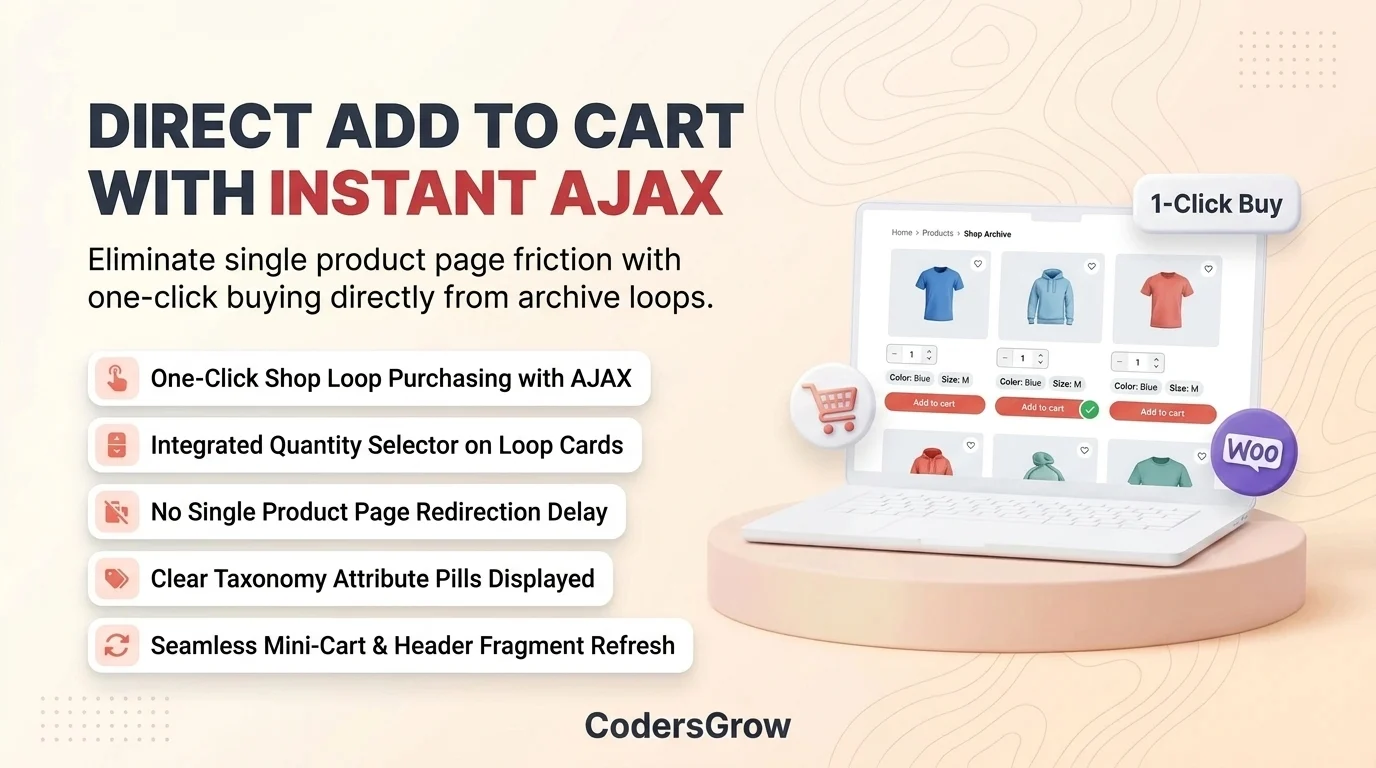
With direct cart execution enabled:
- 1-Click Buying: Each variation card features a pre-bound direct “Add to Cart” button that instantly adds the exact variation (size/color) to the cart via AJAX.
- Integrated Quantity Selectors: Customers can select their desired quantity right from the catalog loop before adding to cart.
- Interactive Attribute Pills: Clear visual taxonomy pills (e.g.
Color: Blue,Size: M) clarify item specifications at a glance. - Parent Navigation Link: Includes a clean link back to the parent product with an options pill (e.g., “See 4 more options”) for shoppers who want to view alternative colors.
Dynamic Title Formatting & High-Impact Visual Badges
To ensure catalog cards look polished and cohesive, store managers can define automated title formatting formulas and eye-catching visual badges.
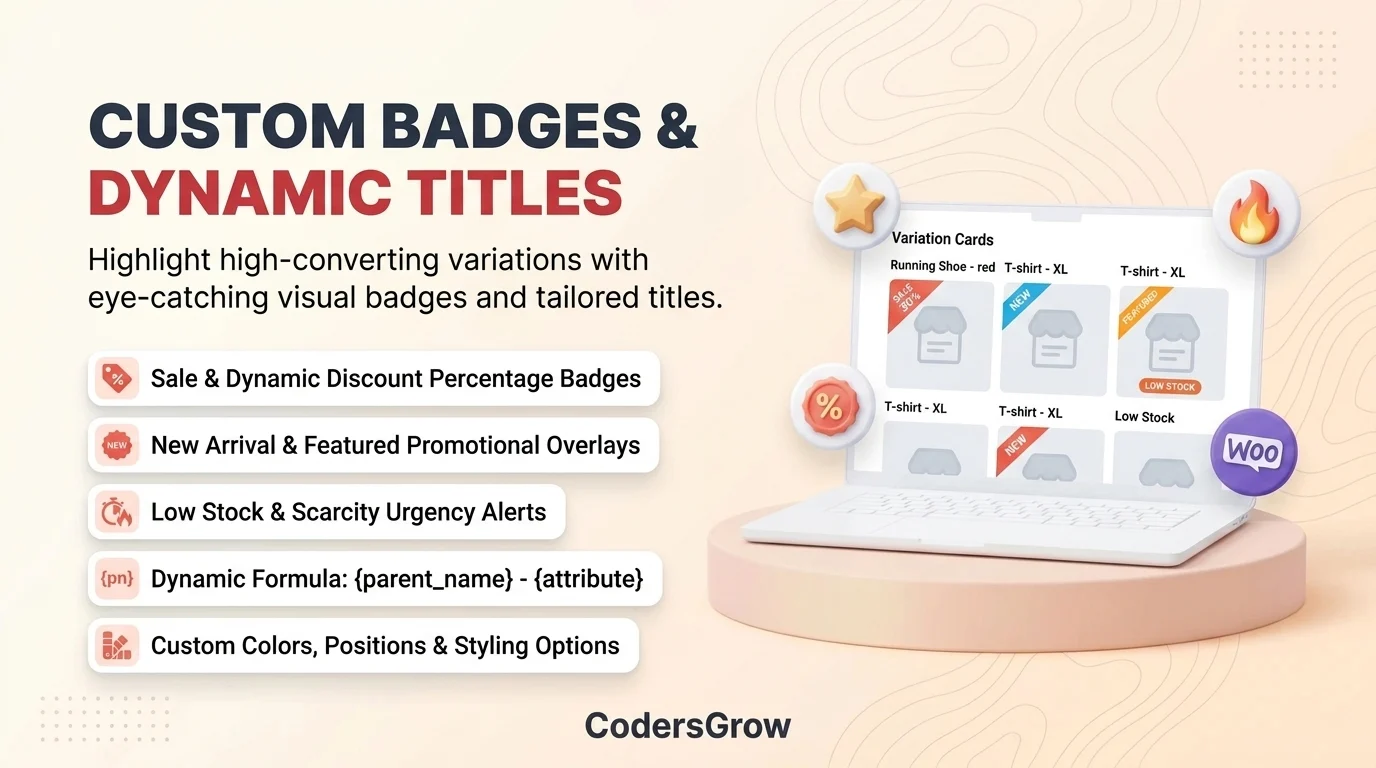
Built-in visual merchandising tools include:
- Dynamic Title Formulas: Automatically format variation titles using formulas like
{parent_name} - {attribute_values}. - Multi-Type Badges: Display Sale percentage badges, New Arrival stickers, Low Stock alerts, and custom promotional text overlays.
- Configurable Positions & Colors: Position badges on the top-left, top-right, or inline with custom CSS styling.
Technical Architecture: Zero-Lag MySQL Index & Canonical SEO
To successfully woocommerce show variations as single products without sacrificing database performance or search engine rankings, the plugin utilizes an enterprise-grade architectural foundation.
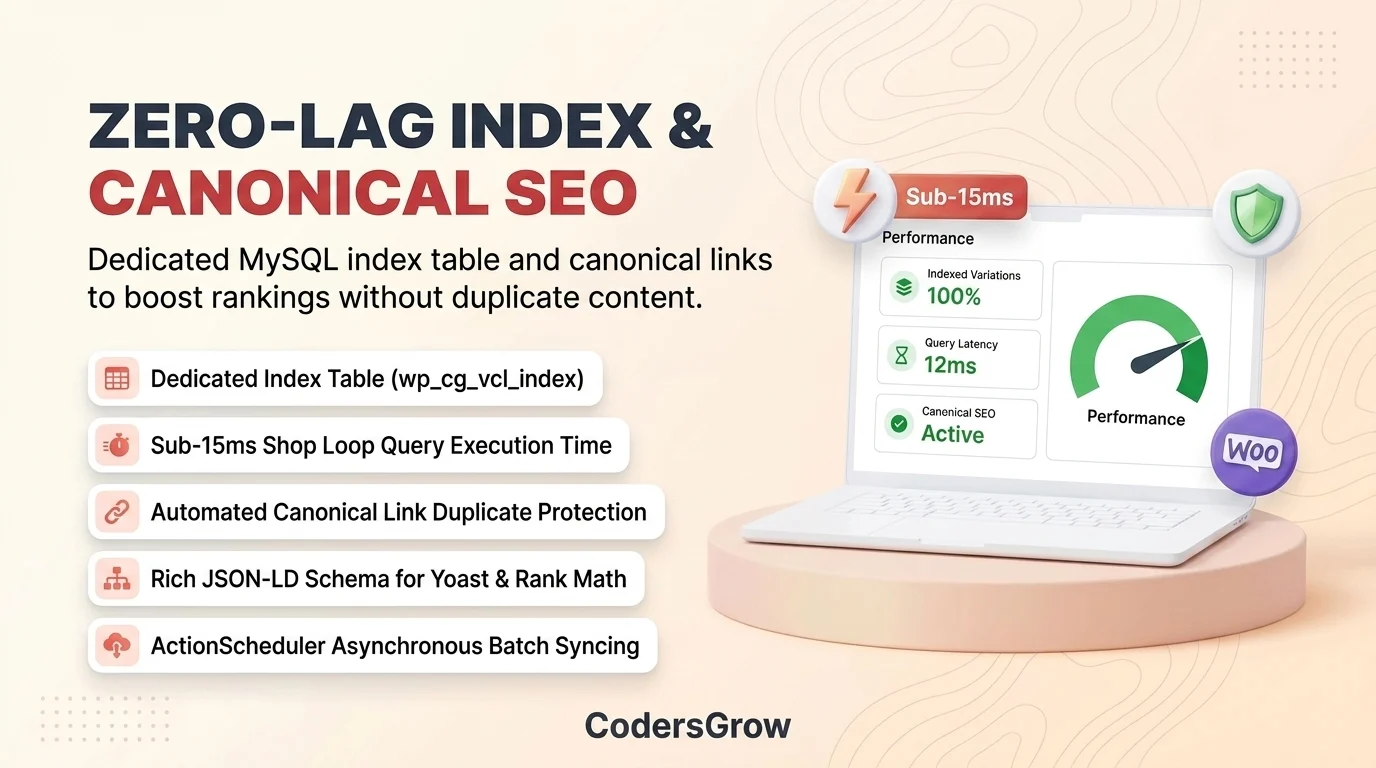
Key technical highlights include:
- Dedicated Indexing Engine (
wp_cg_vcl_index): Avoids sluggishwp_postmetajoins by maintaining a dedicated indexed table with pre-calculated prices, parent IDs, stock statuses, and badge metadata for sub-15ms loop performance. - ActionScheduler Background Syncing: Automated asynchronous indexing ensures database updates run smoothly without blocking admin or visitor requests.
- Automated Canonical URL Protection: Prevents duplicate content penalties by automatically declaring the parent variable product as the primary canonical URL for Google and search crawlers.
- 100% Certified HPOS Ready: Built with native WooCommerce High-Performance Order Storage (HPOS) and Strict Typing standards.
Feature Comparison: Standard WooCommerce vs. Variation Catalog List
| Storefront Capability | Default WooCommerce | Variation Catalog List |
|---|---|---|
| Shop Loop Variations | Hidden inside parent dropdowns | Displayed as standalone cards |
| Direct Add to Cart | Requires visiting product page | Instant AJAX 1-click cart action |
| Database Performance | Heavy postmeta joins & slow queries | Dedicated high-speed MySQL index |
| Real-Time Manager | Complex manual product edit screens | Unified bulk dashboard with live toggles |
| Custom Variation Badges | Only generic parent sale flash | Custom text, sale, new & featured badges |
| Duplicate Content Safety | Not configured for variation loops | Automated canonical SEO protection |
| HPOS Compatibility | Varies by plugin | 100% Certified HPOS Ready |
Step-by-Step: How to WooCommerce Show Variations as Single Products in Shop Loops
Configuring your store to display variations individually takes less than 3 minutes:
- Install & Activate: Upload Variation Catalog List for WooCommerce via your WordPress plugin installer.
- Automatic Database Indexing: Upon activation, the plugin automatically scans your variable products and builds the high-speed index table in the background.
- Configure Catalog Manager: Navigate to
WooCommerce > Variation Catalogto review your indexed variations. Use the real-time toggle switches to enable or disable specific variations as needed. - Customize Badges & Titles: Add custom promotional badges (such as “Best Seller” or “50% OFF”) and adjust custom display titles directly from the inline editor.
- Save & Launch: Visit your public Shop or Category archive page to see every variation rendered as an individual, purchasable product with instant Add-to-Cart capabilities.
Frequently Asked Questions (FAQ)
Will displaying variations as single products slow down my website?
No. Unlike poorly coded plugins that execute heavy database queries on every page load, Variation Catalog List uses a dedicated MySQL index table (wp_cg_vcl_index) and transient query caching to ensure your shop loop loads in under 15ms.
Does this create duplicate content issues with Google?
No. The plugin includes built-in canonical URL management that points search engine crawlers back to the primary canonical product URL, ensuring maximum search rankings without duplicate content penalties.
Can customers buy variations directly from the shop page?
Yes. Every variation card features a direct Add-to-Cart button with AJAX execution, allowing shoppers to add specific sizes or colors directly to their cart without leaving the archive page.
Is this compatible with High-Performance Order Storage (HPOS)?
Yes. The module is 100% declared and certified compatible with WooCommerce High-Performance Order Storage (HPOS) and follows the latest WordPress Coding Standards (WPCS).
Supercharge Your WooCommerce Storefront Today
Stop losing sales to hidden variation dropdowns. Expand your store catalog, streamline buyer discovery, and maximize checkout conversions with the definitive variation catalog solution.