
BundleForge – WooCommerce Custom Product Box & Mix-and-Match Bundle Builder
BundleForge is an enterprise-grade WooCommerce custom product box and mix-and-match bundle builder designed to boost Average Order Value (AOV). Allow shoppers to assemble custom gift sets, sample packs, and curated bundles with interactive visual slots, 8 dynamic pricing models, and 9 composite validation rules.
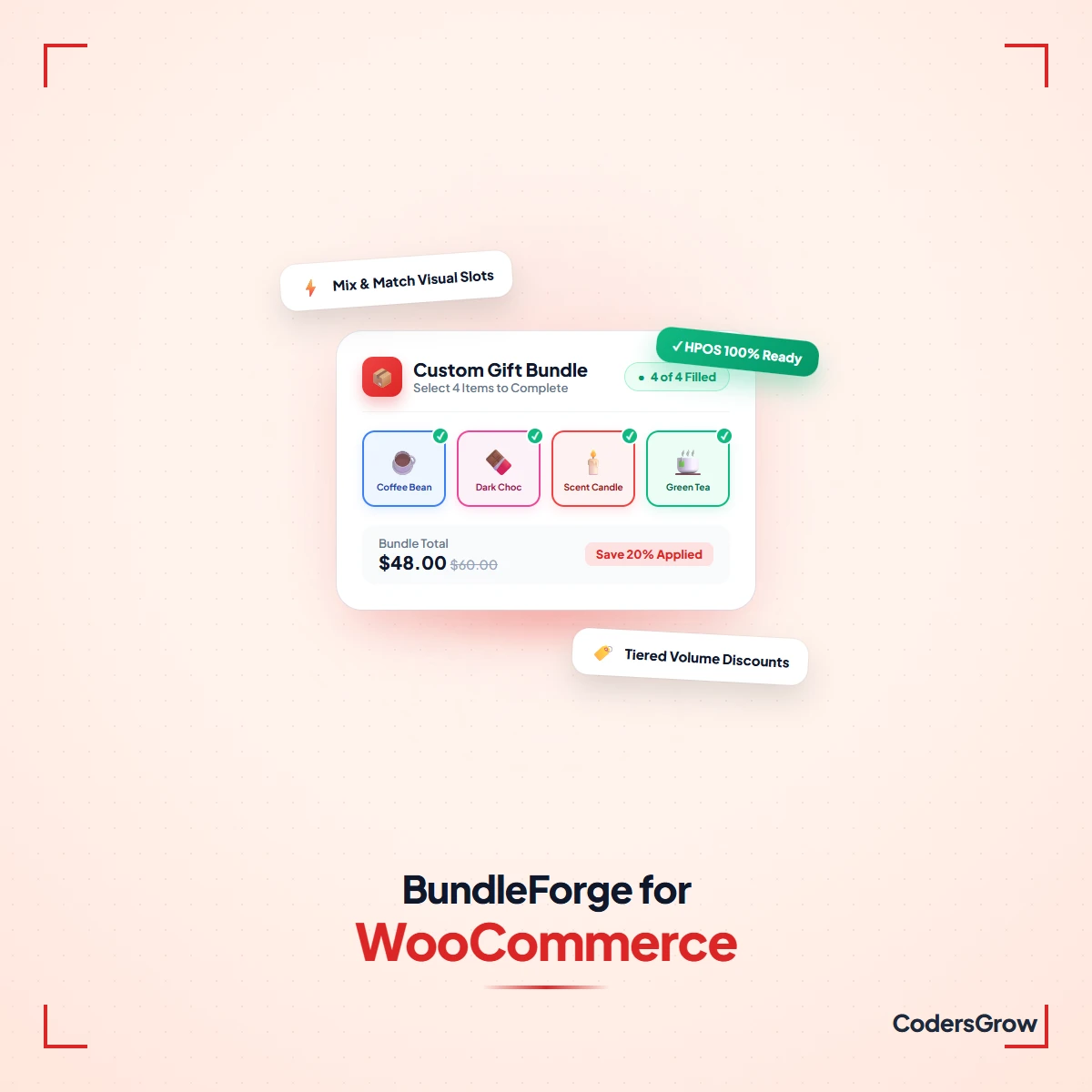
- Interactive Slot Configurator: Real-time animated visual slots with progress badges and live completion indicators.
- 8 Server-Side Pricing Models: Flat fee, dynamic catalog sum, base fee + extras, tiered quantity brackets, and volume discounts.
- Hybrid Cart Container: Parent-child cart tree hierarchy with linked $0.00 child items and automated inventory sync.
- Variable Product Support: On-card interactive attribute pills with dynamic image swapping and live stock indicators.
- Modern WooCommerce Ready: 100% HPOS certified, Cart & Checkout Blocks compatible, and <35KB Vanilla ES6 frontend.
- Guaranteed Quality: Includes 1 full year of updates, developer support (<12h SLA), and a 14-day money-back guarantee.
BundleForge: High-Converting Custom Product Boxes & Mix-and-Match Bundles
Deploying an intuitive woocommerce custom product box plugin is the single most effective way to elevate Average Order Value (AOV) and empower shoppers to build personalized product assortments. Whether you sell artisanal chocolates, craft beer 6-packs, custom gift hampers, beauty discovery kits, or apparel bundles, rigid default WooCommerce options force customers into clunky multi-step shopping journeys. BundleForge transforms your catalog into an engaging visual box builder where customers mix and match products with real-time animated slots, flexible pricing strategies, and server-authoritative composite rules.
What Problems Does BundleForge Solve?
Default WooCommerce lacks native pick-and-mix functionality. Store owners attempting to build custom bundles with generic plugins frequently encounter four critical operational bottlenecks:
- AOV Stagnation & Cart Drop-Off: Standard product pages make multi-item purchases cumbersome, leading to mobile cart abandonment.
- Inventory Desynchronization: Many bundle plugins fail to decrement inventory on individual component SKUs, causing stock discrepancies across warehouses and ERP systems.
- Pricing Calculation Rigidities: Most plugins only support simple fixed prices or basic sums, failing to support base container fees, tiered quantity volume discounts, or category-based pricing.
- Theme & Checkout Incompatibility: Heavy React or jQuery bundle plugins conflict with modern themes and break WooCommerce Block Checkout.
BundleForge eliminates these hurdles with an ultra-lightweight Vanilla ES6 engine (<35KB unminified), flawless native inventory synchronization, and certified High-Performance Order Storage (HPOS) integration.
Who Is BundleForge Built For?
BundleForge is engineered specifically for WooCommerce store owners, e-commerce managers, and direct-to-consumer (DTC) brands across diverse retail verticals:
- Gourmet Food, Bakeries & Chocolatiers: Allow shoppers to curate custom 6, 12, or 24-piece pastry boxes and chocolate gift sets.
- Craft Breweries & Wineries: Enable “Build Your Own 6-Pack” or mixed case assortments with category-specific quotas.
- Beauty, Cosmetics & Skincare: Guide shoppers through a multi-step routine builder (Cleanser → Toner → Serum → Moisturizer).
- Coffee Roasters & Tea Brands: Sell customizable discovery packs with bean origin and roast profile options.
- Apparel & Merchandising Kits: Bundle shirts, hats, and accessories with native variable attribute selectors.
How It Works: 3-Step Setup Workflow
- Create a Bundle Product: Select “Bundle Builder” in your WooCommerce Product Data dropdown and define capacity limits (exact count or min/max range).
- Assign Products & Rules: Choose component categories, tags, or individual items. Configure pricing models (fixed, dynamic, or tiered) and composite rules.
- Launch Interactive Builder: Publish the product. Shoppers immediately enjoy an interactive, responsive slot configurator with real-time progress indicators.
Comprehensive Features & Capabilities
1. Interactive Visual Box & Multi-Step Workflows
- Single-Page Interactive Grid: Displays components in clean responsive grids with category filter pills, debounced live search, and a persistent sticky summary dock.
- Multi-Step Guided Wizard: Directs shoppers through sequential stages (e.g., Step 1: Base Box → Step 2: Main Items → Step 3: Add-ons → Step 4: Greeting Card).
- Customizable Slot Geometries: Choose between Square, Rounded, Circular, or Pill slot shapes with customizable accent colors and micro-animations.
- Native Variable Product Pills: Attribute selector pills allow customers to choose sizes, colors, or flavors directly on the product card without slow popups.
2. 8 Server-Authoritative Pricing Models
Every pricing calculation is evaluated securely on your server to prevent client-side price tampering:
- Fixed Pricing: One flat price for the entire bundle regardless of selected contents.
- Per-Item (Dynamic) Sum: Automatically tallies the standard catalog prices of all chosen items.
- Base Fee + Items: Flat container fee plus the itemized catalog rates of selected products.
- Base Included + Extra Quota: Base price covers up to N items; additional items incur supplemental fees.
- Tiered Quantity Brackets: Stepwise price breaks based on item count (e.g., 4 items = $40, 8 items = $70, 12 items = $95).
- Automatic Volume Discounts: Percentage or flat discounts automatically applied upon reaching quantity thresholds.
- Category-Based Pricing: Specialized item pricing determined by category composition.
- Custom Strategies: Extensible filter pipeline allowing developers to inject custom calculation formulas.
3. 9 Composite Rules & Constraint Validators
Enforce store policies and eliminate invalid orders with strict server-side validation:
- Capacity Rule: Set exact slot counts or min/max range boundaries.
- Category Quota Rule: Enforce item quotas per category (e.g., “Must include at least 1 Drink and 2 Snacks”).
- Spend Limit Rule: Enforce minimum and maximum order total boundaries.
- Product Dependency Rule: Automatically require Product B when Product A is selected.
- Product Incompatibility Rule: Prevent conflicting products from being selected in the same box.
- Per-Item Quantity Cap: Prevent hoarding of limited-stock items.
- Pre-Filled Item Lock: Pre-populate bundles with starter products and lock them against removal.
- User Role Restriction: Restrict custom boxes to specific customer tiers (e.g., Wholesale, VIP).
- Promotional Scheduling: Configure automated start/end countdown timestamps for limited-edition seasonal drops.
4. Hybrid Container Cart Architecture
BundleForge introduces an advanced cart architecture that creates a Parent Container line item carrying the bundle price, packaging options, and gift notes, while adding selected products as Linked Child line items at $0.00. This ensures accurate shipping weights, dimensions, and native warehouse stock deduction while preventing double-billing. An anti-tampering watchdog prevents cart quantity manipulation, and a 1-click “Edit Bundle” link reopens the configurator with saved choices pre-loaded.
Real-World Store Use Cases
Use Case A: Artisanal Chocolate 12-Pack. Customers choose 12 handcrafted truffles across 20 flavor options. Real-time visual slots fill up with smooth animations. Once 12 slots are populated, the sticky Add to Cart button activates instantly.
Use Case B: Tiered Discovery Box. Offer a flexible subscription kit where customers select between 4 and 8 items. Automatic volume discount ladders reward shoppers with 15% off when they add 6 or more items, driving higher transaction values.
Transparent Pricing & Licensing
Get full access to all enterprise features for a single upfront price of $59.00. No monthly SaaS subscriptions, no per-bundle transaction cuts, and no hidden fees. Every license includes 1 full year of automated updates and dedicated technical support.
Interactive Demo & Technical Documentation
Test the interactive builder firsthand on our Interactive Sandbox Demo. For comprehensive step-by-step setup guides, shortcode documentation, and developer filters, read our complete WooCommerce custom product box guide.
Modern Admin Hub & Responsive Frontend
Configure bundles easily within the native WooCommerce product editor. Manage capacity, sourcing categories, pricing strategies, and composite rules through intuitive tabbed panels. On the frontend, the responsive dock ensures seamless usability on mobile devices with touch-friendly sliding drawers.
Engineered for Performance & Modern WooCommerce
- 100% HPOS Certified: Native CRUD integration with WooCommerce High-Performance Order Storage (custom_order_tables).
- WooCommerce Blocks Compatible: Fully compatible with modern WooCommerce Block Checkout and Store API.
- Blazing Fast Footprint: Ultra-lightweight Vanilla ES6 (<35KB unminified) with zero jQuery or React overhead.
- Privacy-First Analytics: Built-in local analytics table tracking conversion rates and AOV with zero third-party cookies.
Frequently Asked Questions
How does BundleForge calculate bundle pricing?
BundleForge includes 8 server-authoritative pricing models: Fixed Flat Price, Dynamic Per-Item Sum, Base Fee + Items, Base Included + Extra Quotas, Tiered Quantity Brackets, Volume Discounts, Category-Based Pricing, and Custom Strategies. All pricing logic is calculated server-side to prevent client tampering.
Does this plugin slow down page loading speed?
No. BundleForge uses a lightweight (<35KB unminified) Vanilla ES6 frontend engine with zero jQuery or React dependencies. Search queries and price updates execute asynchronously via lightweight REST/AJAX endpoints that preserve server caching.
How does inventory deduction work for component items?
BundleForge adds component items as linked order line items at $0.00. When an order is placed, WooCommerce’s native stock reduction routines automatically decrement inventory for each individual simple product and variation, keeping ERPs and warehouse management systems in perfect sync.
Can customers edit their bundle after adding it to the cart?
Yes. Customers can click the “Edit Bundle” link directly in the WooCommerce cart. BundleForge re-opens the visual configurator with all of the customer’s previous selections pre-loaded for effortless modification.
Is BundleForge compatible with WooCommerce Block Checkout?
Yes. BundleForge declares official compatibility for both Classic Shortcode Checkout and modern WooCommerce Cart & Checkout Blocks.
Version History & Changelog
v1.0.0 — Initial official release featuring single-page grid & multi-step wizard builders, 8 pricing strategies, 9 composite rules, hybrid parent-child cart tree, variable product attribute pills, and HPOS certification.
Dedicated Developer Support & Guarantee
Backed by CodersGrow’s engineering standard. If you encounter any technical conflicts or need guidance configuring complex bundling rules, our senior team provides direct support with response times under 12 hours via our Developer Support Desk. All purchases include our 14-day 100% money-back guarantee.
Technical Specifications
| WordPress Version | 6.0 or higher |
|---|---|
| WooCommerce Version | 8.0 or higher |
| PHP Compatibility | 7.3 to 8.4+ |
| HPOS Compatible | 100% Certified |
| Architecture | 100% Self-Hosted |
| License | Commercial / Lifetime |
| Source Code | Complete PHP / JS Included |
Frequently asked questions
How do I install and activate this WooCommerce plugin?
Installation is quick and straightforward. Download the plugin .zip package from your CodersGrow account. In your WordPress admin, go to Plugins > Add New > Upload Plugin, select the file, and click Install Now. Once installed, click Activate to begin configuring your settings directly in your WooCommerce dashboard.
Is this plugin 100% compatible with WooCommerce HPOS (High-Performance Order Storage)?
Yes. All CodersGrow extensions are engineered from the ground up with native Custom Order Tables support (HPOS Certified) and full backward compatibility with traditional WordPress post tables. There are zero table conflicts, database deadlocks, or sync delays.
Will this extension slow down my store or checkout speed?
Not at all. We maintain strict zero-bloat coding standards. All queries are indexed, assets are conditionally enqueued only where needed, and there are zero external API calls or third-party tracking scripts. Average execution overhead is under 1 millisecond.
Can I customize buttons, colors, and text to match my brand?
Absolutely. All customer-facing labels, countdown banners, badge colors, and button texts can be customized directly from the plugin settings without writing a single line of code. For developers, extensive action hooks and filter hooks are provided for advanced modifications.
Do I get future updates and technical support?
Yes! Your purchase includes lifetime access to future plugin releases, compatibility updates for upcoming WordPress and WooCommerce versions, and priority developer support from the CodersGrow engineering team.
Related products
-
Sale!

AI Shopping Chatbot for WooCommerce
Original price was: $79.00.$69.00Current price is: $69.00. 13% OFF -
RentEngine: Rental & Booking Engine for WooCommerce
$74.00 Get it Now -

Passkey Passwordless Login For WordPress and WooCommerce
$25.00 Buy From Codester -

Recurify – WooCommerce Subscriptions & Recurring Billing Platform
$79.00