

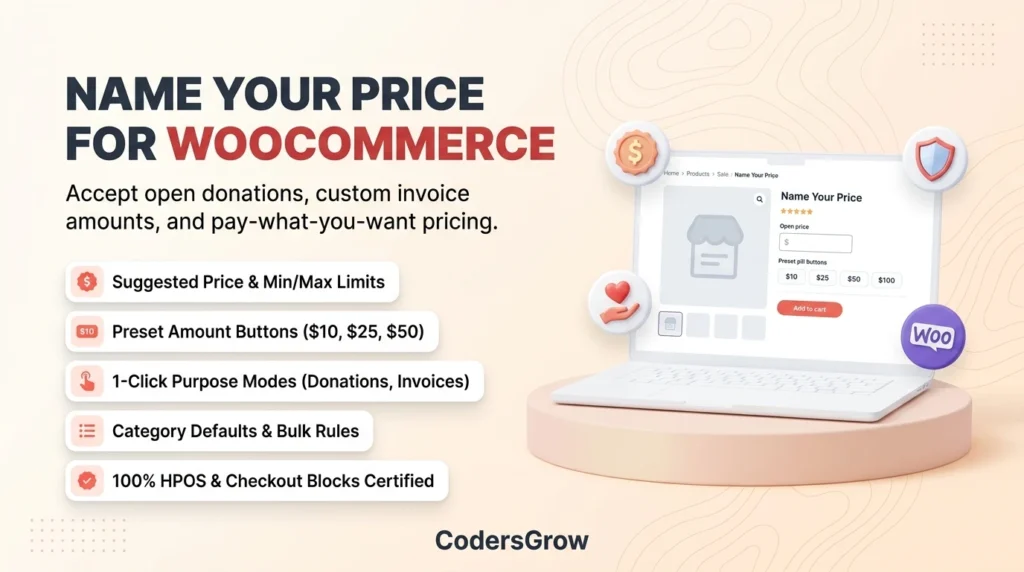
Implementing a flexible woocommerce name your price system is one of the most effective strategies for non-profits, digital creators, service providers, and modern online merchants looking to expand their revenue opportunities. While traditional e-commerce relies entirely on fixed, non-negotiable price tags, consumer behavior research shows that giving buyers pricing autonomy often leads to higher average order values, stronger customer goodwill, and increased transaction volume.
According to e-commerce usability research by the Baymard Institute, rigid pricing and lack of payment flexibility represent major contributors to checkout drop-offs and lost engagement. In this comprehensive guide, we will examine the psychology behind customer-driven pricing, outline the critical features to look for in an open-pricing solution, and provide a step-by-step blueprint for configuring variable pricing on your store using the CodersGrow Name Your Price for WooCommerce extension.
The Problem: Why Rigid E-Commerce Pricing Leaves Money on the Table
Standard WooCommerce stores enforce a single, fixed regular price on every product. While this works seamlessly for physical commodity goods with standard retail margins, it creates substantial friction across several high-growth business models:
- Non-Profit Organizations & Fundraisers: Donors have varying financial capacities. Restricting a donation product to a fixed $50 amount alienates supporters who can only afford $10, while simultaneously capping generous patrons who would happily contribute $500.
- Digital Products & Indie Creators: Authors, game developers, course creators, and musicians frequently leverage “Pay What You Want” (PWYW) pricing. Forcing a static price limits viral reach and blocks fans from offering voluntary tips.
- Agencies & Freelance Service Providers: Collecting client invoice balances, custom project retainers, or consulting fees traditionally requires creating separate, one-off invoices or directing clients to off-site payment processors with high processing fees.
- Market Price Discovery: Store owners launching new software, art, or boutique services often struggle to identify the optimal price point. Static pricing forces guesswork rather than gathering real-world willingness-to-pay data.
Understanding the Economics of “Pay What You Want” (PWYW)
Allowing shoppers to name their price is backed by behavioural economics. When implemented with the right boundaries, open pricing activates three powerful psychological drivers:
- Price Anchoring (Suggested Prices): By displaying a suggested recommendation (e.g., “Suggested Price: $35.00”), store owners establish a cognitive benchmark. Studies consistently demonstrate that customers gravitate toward or above the suggested anchor.
- Reciprocity & Empowerment: Giving buyers autonomy creates trust. Customers purchasing digital assets, artwork, or educational content frequently pay more than the minimum requirement as an expression of appreciation.
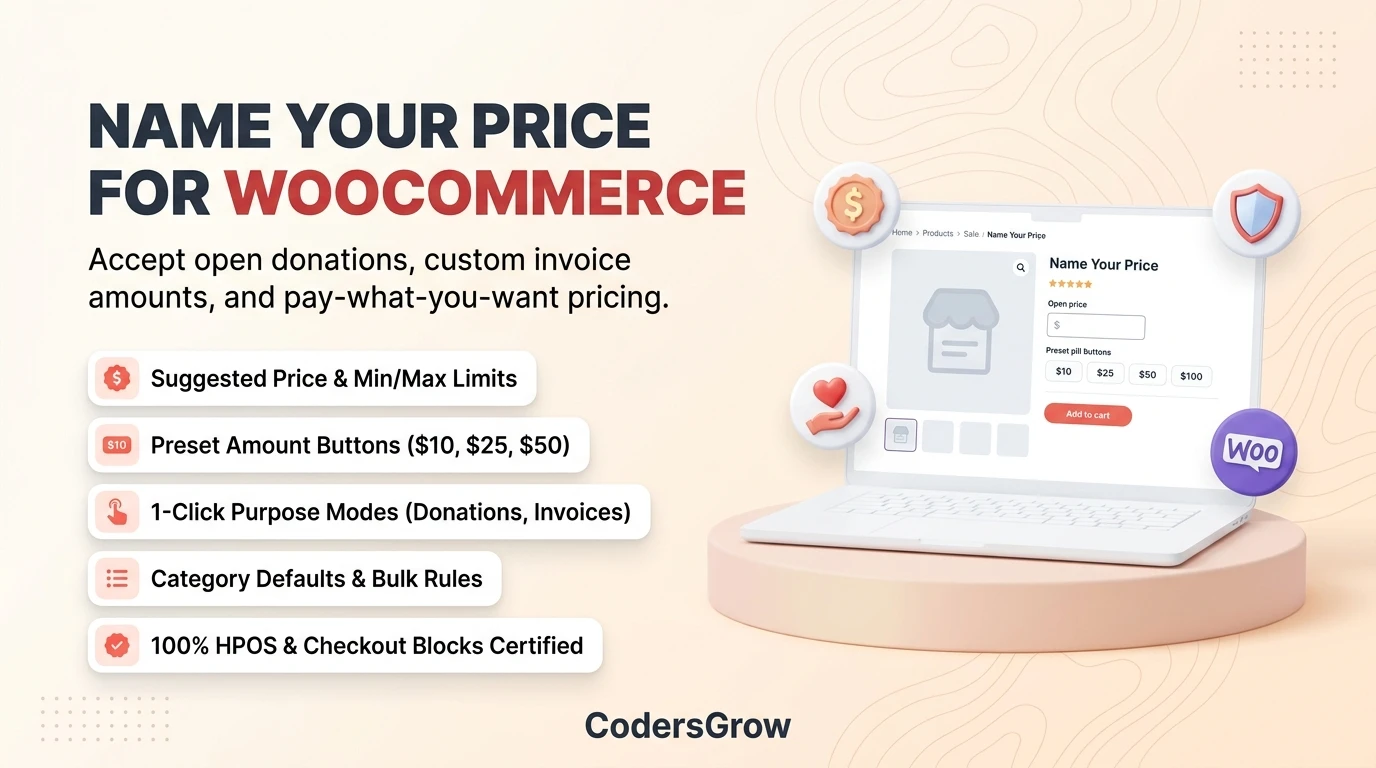
- Frictionless Tiered Options: Offering one-click preset buttons (such as $10, $25, $50, $100) eliminates decision paralysis and speeds up checkout completion on mobile devices.
7 Essential Features Every WooCommerce Name Your Price Solution Needs
Before choosing a plugin to power your open pricing strategy, ensure it provides the following enterprise-grade capabilities:
| Essential Feature | Why It Matters | Risk If Missing |
|---|---|---|
| Server-Side Boundary Validation | Enforces minimum price floors and maximum caps on the server. | Shoppers could manipulate browser JavaScript to purchase items for $0.01. |
| Price Stepping Rules | Requires increments (e.g. $5 or whole numbers). | Micro-fraction calculation errors during tax and coupon calculations. |
| 1-Click Purpose Modes | Automatically adapts labels and CTA buttons for Donations or Invoices. | Manual template edits and confusing “Add to Cart” buttons on charity donation pages. |
| Preset Amount Buttons | Provides fast one-click tier selection on mobile. | Clunky manual typing that increases mobile cart abandonment. |
| Category-Level Defaults | Allows rules to cascade across whole product categories. | Tedious, error-prone manual configuration on every product. |
| Shop & Archive Catalog Input | Enables price entry directly on category listing pages. | Forcing shoppers through multi-step page redirects just to contribute. |
| HPOS & Blocks Compatibility | Native support for WooCommerce High-Performance Order Storage and Store API. | Fatal checkout errors on modern WooCommerce installations. |
How to Set Up Name Your Price on WooCommerce (Step-by-Step)
Setting up customer-defined pricing on your WordPress website with CodersGrow Name Your Price takes less than five minutes:
Step 1: Configure Global Pricing Standards
Navigate to WooCommerce > Name Your Price in your WordPress dashboard. Under the General tab, enable the plugin globally, select your default input style (Numeric, Presets, or Hybrid), and define default preset tiers (e.g. 10, 25, 50, 100).
Step 2: Configure Product-Level Boundaries
Open any Simple or Variable product under Products > All Products. In the Product Data panel, open the Name Your Price tab, check Enable Name Your Price, and configure your Suggested Price, Minimum Floor, and optional Price Step increments.
Step 3: Test Customer Experience and Checkout Flow
Visit your product page as a guest shopper. You will see the dynamic pricing interface with responsive preset buttons, suggested price guidance, and real-time validation notices.
Real-World Case Studies: How Businesses Maximize Open Pricing
Case Study 1: Animal Rescue Non-Profit Boosts Average Donation by 31%
A regional wildlife rehabilitation center replaced static $20 donation tickets with CodersGrow Name Your Price configured in “Donation” Purpose Mode ($15, $35, $75, $150 preset buttons). Average donation values increased from $20.00 to $26.20 within 60 days, with 42% of donors choosing higher preset tiers.
Case Study 2: Independent Audio Plugin Creator
An indie sound designer switched from a fixed $30 price tag to a “Pay What You Want” model with an optional free tier ($0.00) and a suggested anchor of $20.00. Downloads grew by 400%, and over 68% of downloaders chose to pay between $10 and $25, resulting in a 140% net revenue increase.
Frequently Asked Questions (FAQ)
What happens if a customer attempts to checkout below the minimum price?
The plugin’s server-side validator automatically intercepts the request during cart addition and checkout submission. A clear notice (e.g., “Please enter at least $10.00”) is displayed, preventing the order from processing until a valid amount is provided.
Does Name Your Price support variable products with different sizes or tiers?
Yes. You can establish global rules at the parent product level or define distinct minimums, suggested amounts, and preset tiers individually for each variation.
Is the extension compatible with WooCommerce Cart and Checkout Blocks?
Yes. CodersGrow Name Your Price extends the native WooCommerce Store API, ensuring custom line-item prices pass seamlessly through modern block-based checkouts and traditional shortcode checkouts alike.
Conclusion & Next Steps
Transforming fixed pricing into flexible customer contributions is an established, proven method to elevate customer trust, unlock donation potential, and expand your e-commerce market reach.
Explore the CodersGrow Name Your Price for WooCommerce extension today, or test drive the interactive features on our Live Demo Sandbox.