

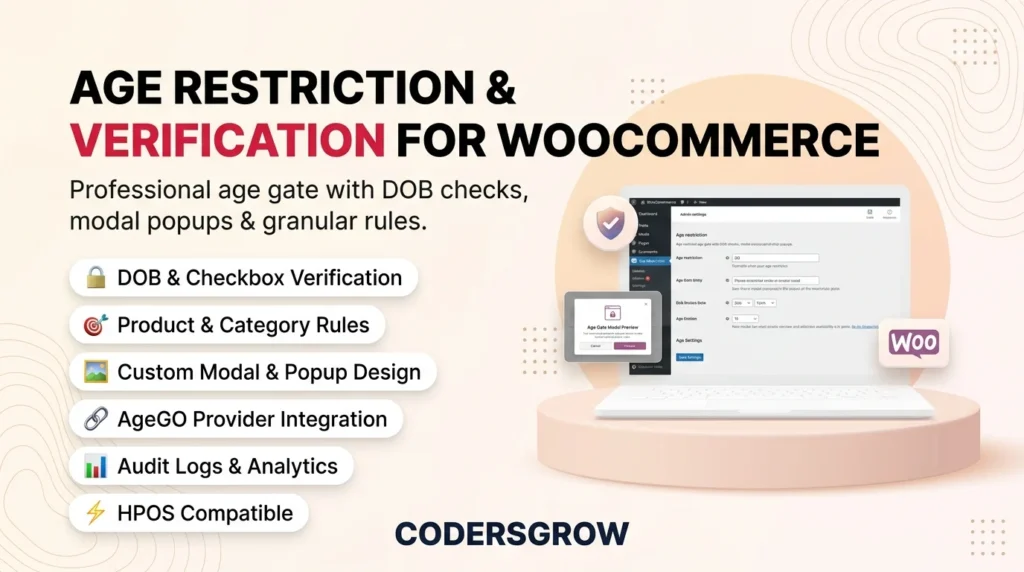
Implementing woocommerce age restriction is essential for any store selling age-sensitive products — from alcohol and tobacco to firearms, vaping supplies, and adult content. Without proper age verification, your WooCommerce store faces legal liability, regulatory penalties, and potential payment processor account suspension.
According to the Federal Trade Commission (FTC), businesses that sell age-restricted products online are legally required to implement reasonable age verification measures. The Age Restriction & Verification for WooCommerce plugin by CodersGrow provides a complete, production-grade solution that handles every aspect of age gatekeeping — from frontend modal overlays to server-side cart validation.
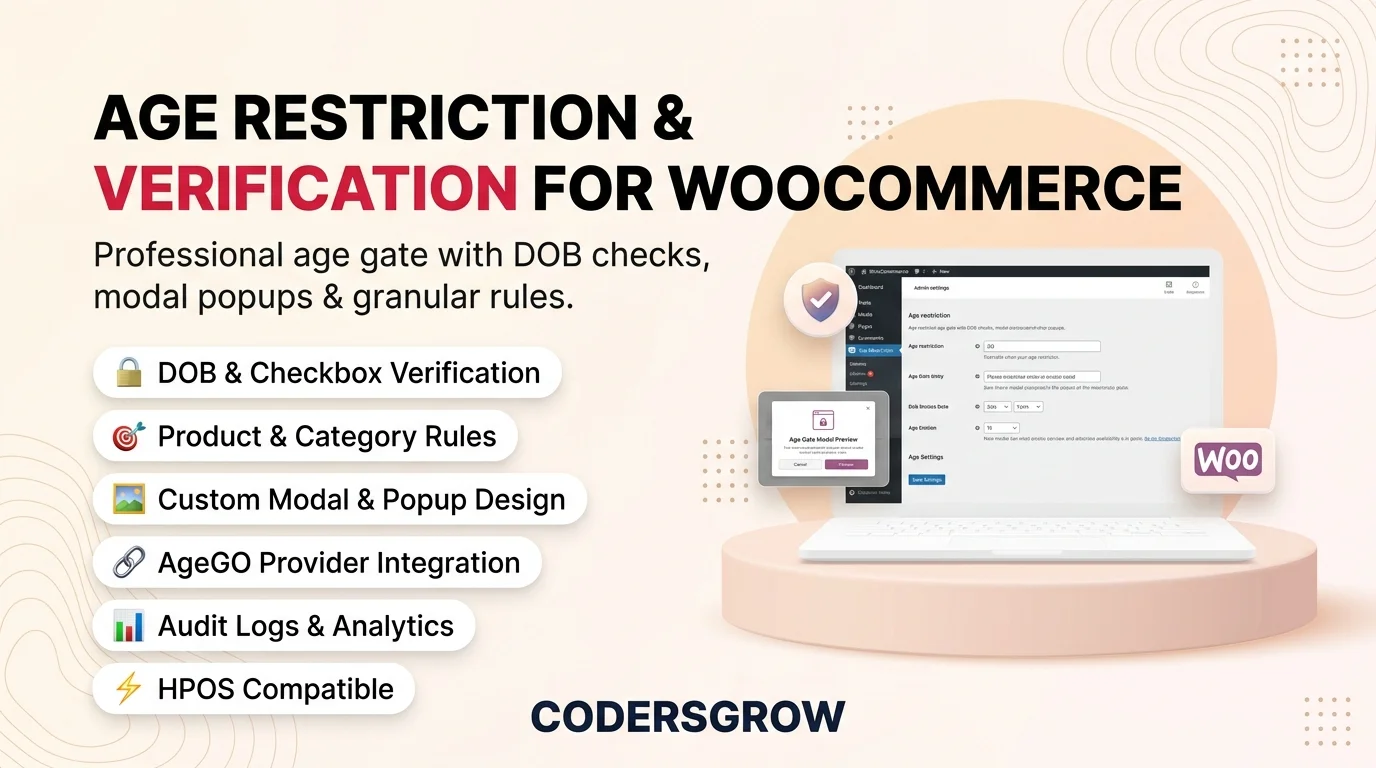
Why WooCommerce Age Restriction Matters for Your Store
Age-restricted product categories are growing rapidly in e-commerce. Whether you run a craft brewery, a CBD supplement store, or an adult entertainment platform, failing to gate underage visitors creates serious risks:
- Legal Compliance: Federal, state, and international laws (COPPA, GDPR Article 8, UK Online Safety Act) mandate age checks for restricted goods.
- Payment Processor Requirements: Stripe, PayPal, and Square require age verification for merchants selling regulated products — non-compliance leads to frozen funds.
- Brand Trust & Reputation: Demonstrating responsible selling builds customer trust and protects your brand from PR crises.
- Insurance & Liability: Many business insurance policies require documented age verification workflows.
Key Features of WooCommerce Age Restriction by CodersGrow
1. Multiple Verification Methods
Choose between Date of Birth (DOB) entry with dropdown selectors or a native date picker, or deploy a streamlined one-click age confirmation checkbox for lower-friction verification. Both methods are server-side validated — no client-side JavaScript bypass is possible.
2. Granular Restriction Rules Engine
Apply age gates at every level of your store hierarchy:
- Entire Site: Lock your entire storefront behind a single age gate.
- WooCommerce Shop Pages: Restrict only your shop, cart, checkout, or My Account pages.
- Product Categories & Tags: Assign age restrictions per category or tag with custom minimum ages.
- Individual Products: Override global or category rules per product via a dedicated meta box.
- WordPress Pages: Restrict any standard WordPress page with age verification.
3. Customizable Modal & Popup Design
The plugin includes a fully customizable verification modal with controls for background color, text color, button colors, border radius, overlay blur intensity, animation style (fade, zoom, slide), custom brand logo upload, and optional dismiss functionality.
4. External Provider Architecture (AgeGO Integration)
For stores requiring third-party ID verification, the plugin ships with an official AgeGO Modal Overlay integration and a Custom Webhook Provider framework. Build your own verification connector by implementing the simple CGAR_Provider_Interface.
5. Server-Side WooCommerce Gatekeeping
Beyond the frontend modal, the plugin enforces age checks at the server level — blocking direct URL visits to restricted pages, intercepting AJAX add-to-cart requests, validating cart contents before checkout, and preventing order completion for unverified customers.
6. Secure Cookie & Session Management
Verified age is stored using HMAC-signed tokens in secure, httponly cookies with configurable expiry. The tamper-proof signature prevents cookie manipulation — if a user modifies the value, verification fails silently.
Default WooCommerce vs. Age Restriction Plugin
| Capability | Default WooCommerce | Age Restriction Plugin |
|---|---|---|
| Age verification modal | ❌ Not available | ✅ DOB, Checkbox, AgeGO |
| Per-product age rules | ❌ No | ✅ Product meta box override |
| Per-category age rules | ❌ No | ✅ Taxonomy term fields |
| Server-side cart blocking | ❌ No | ✅ Add-to-cart + checkout gating |
| Secure cookie tokens | ❌ No | ✅ HMAC-signed verification |
| Audit logging | ❌ No | ✅ Full verification audit trail |
| External provider support | ❌ No | ✅ AgeGO + Custom Webhook |
| HPOS compatible | N/A | ✅ Fully certified |
How to Set Up WooCommerce Age Restriction in 4 Steps
Step 1: Install & Activate
Upload the age-restriction-check plugin folder to /wp-content/plugins/ and activate it. Navigate to WooCommerce → Age Restriction to access the settings dashboard.
Step 2: Configure General Settings
Enable age restriction, set your global minimum age (e.g. 18 or 21), choose your preferred verification method (DOB or Checkbox), and define your application scope — entire site, WooCommerce shop only, or granular rules.
Step 3: Define Restriction Rules
Under the Restriction Rules tab, select which WooCommerce pages to restrict (Shop, Cart, Checkout, My Account). Then choose specific products, categories, tags, or WordPress pages that require age verification.
Step 4: Customize & Launch
Style your verification popup under the Popup & Design tab — upload your brand logo, set colors, adjust blur and animations. Save settings and your age gate is live.
Frequently Asked Questions
Does the woocommerce age restriction plugin affect page load speed?
No. Frontend assets (CSS/JS) are conditionally loaded only on restricted pages. Unaffected pages receive zero additional resource overhead.
Is the plugin compatible with WooCommerce HPOS?
Yes. The plugin declares full High-Performance Order Storage compatibility via the FeaturesUtil::declare_compatibility() API.
Can I use different minimum ages for different product categories?
Absolutely. Each product category can have its own custom minimum age via the taxonomy term editor. Individual products can also override category rules with their own per-product meta box.
Does the age verification work with caching plugins?
Yes. The verification state is stored in secure cookies and WooCommerce sessions, which are compatible with WP Rocket, LiteSpeed Cache, Cloudflare, and Redis object caching. The modal overlay is rendered server-side in the wp_footer hook.
Can logged-in users bypass the age check?
Yes, optionally. The plugin supports three modes: apply to all users, skip previously verified users, or bypass specific user roles (e.g. Administrator, Shop Manager).
Start Protecting Your Store Today
WooCommerce age restriction is no longer optional for stores selling regulated products. The Age Restriction & Verification for WooCommerce plugin delivers enterprise-grade age gatekeeping with minimal configuration, zero performance impact, and full legal compliance — all backed by the CodersGrow development standard.