

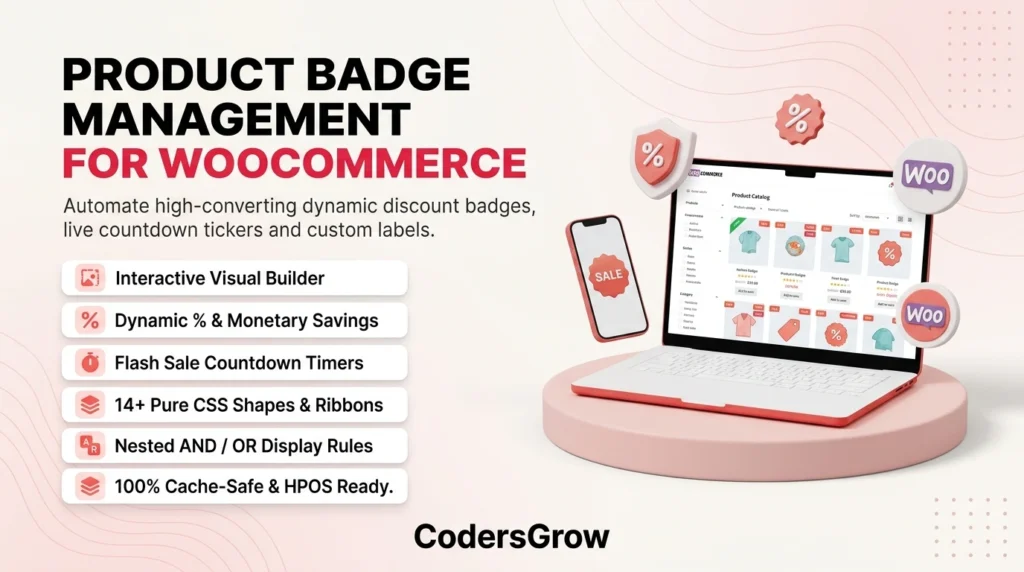
Using high-converting woocommerce product badges is one of the fastest, most effective ways to capture shopper attention and increase sales in modern e-commerce stores. When potential buyers browse your catalog, standard product grids often look identical and uninspiring. A dull, generic “Sale!” text label simply no longer compels shoppers to click.
According to e-commerce research by the Baymard Institute, visual merchandising cues directly influence browsing flow, product discovery, and checkout velocity. Top global retailers utilize smart visual labels: bold percentage savings (“SAVE 35%”), real-time urgency tickers (“Ends in 04h 20m”), and trust badges (“Bestseller”, “Low Stock”, “Staff Pick”).
If you want to turn casual visitors into paying customers, you need automated and intelligent woocommerce product badges. In this comprehensive guide, we will explore why visual badging drives revenue and how the Product Badge Management for WooCommerce plugin by CodersGrow gives your store an unbeatable competitive edge.
Why WooCommerce Product Badges Are Vital for E-Commerce Growth
Strategically designed woocommerce product badges serve as instantaneous psychological anchors across shop catalog archives and single product pages. Here is how they boost your bottom line:
- Instant Clarity on Savings: Instead of forcing customers to calculate discounts mentally, dynamic woocommerce product badges display exact savings like
-30% OFForSave $25.00. - FOMO and Urgency Activation: Real-time flash sale countdown timers activate Fear Of Missing Out (FOMO), dramatically cutting down cart abandonment and decision fatigue.
- Social Proof & Exclusivity: Badges like “Bestseller”, “Verified Top Rated”, or “Featured” foster immediate buyer trust.
- Hands-Free Store Automation: Using conditional nested rules, your woocommerce product badges automatically activate or hide based on stock inventory, sale prices, categories, or user membership tiers.
Just like how our Product Availability Scheduler for WooCommerce automates order time-slots and our NotifyStore – Smart Store Alerts keeps you alerted on mobile, badges automate visual merchandising without constant manual intervention.
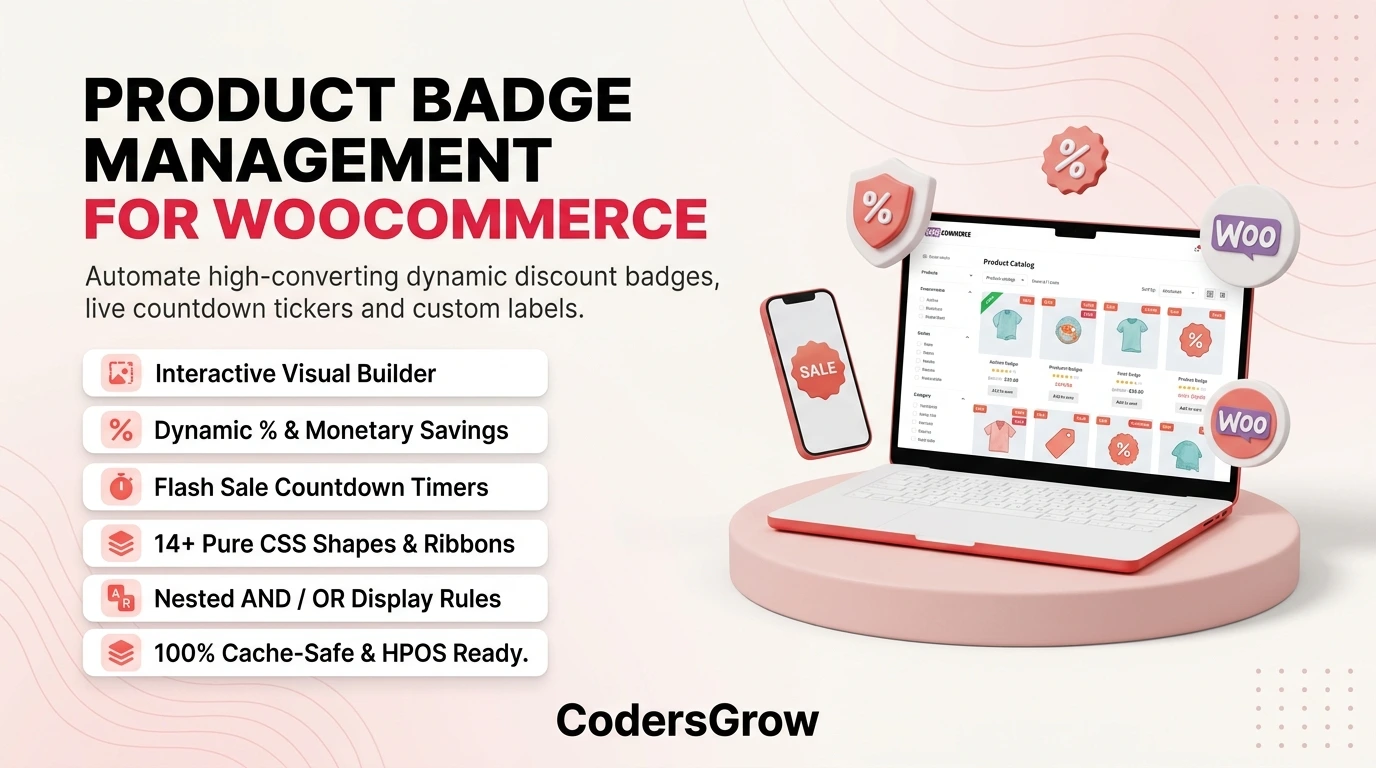
Key Features of Product Badge Management for WooCommerce
Engineered specifically for WooCommerce stores that demand pixel-perfect visuals without sacrificing site speed, Product Badge Management is packed with cutting-edge features.
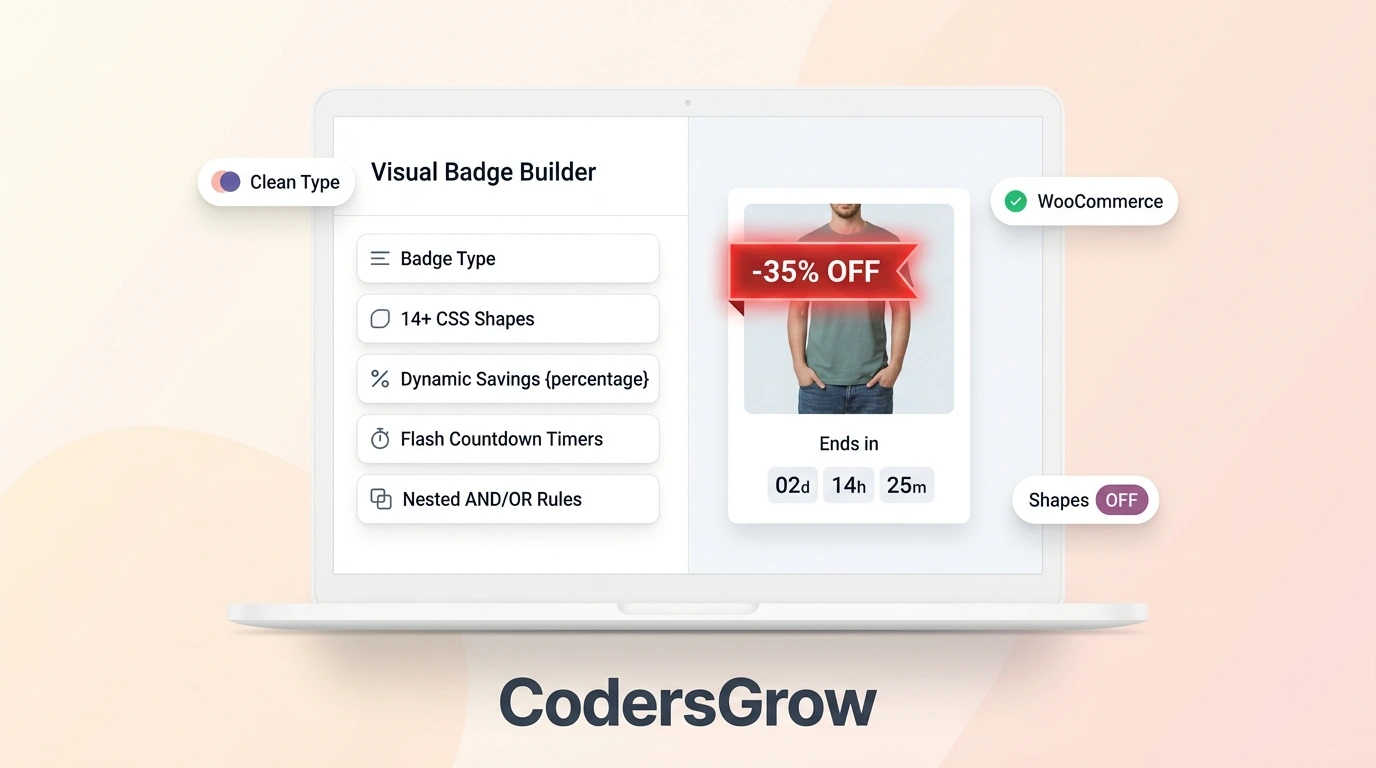
1. Interactive 2-Column Visual Live Builder
Building attractive woocommerce product badges is effortless with a split-screen visual editor:
- Left Control Panel: Fine-tune typography, Google Fonts, font weight, background gradients, padding, borders, box shadows, rotations, and subtle CSS animations (Pulse, Bounce, Shake, Fade, Zoom).
- Right Preview Panel: A sticky, real-time interactive preview that simulates Desktop, Tablet, and Mobile device viewports.
2. Five Specialized Badge Architectures
The plugin supports every merchandising strategy with 5 dedicated badge types:
- Text Badges: Standard visual labels with custom styling, borders, and smooth CSS animations.
- Dynamic Discount Badges: Automatically compute and display real-time price reductions using dynamic tags (
-{percentage}%orSave {discount}). - Flash Countdown Badges: Real-time ticking timers (e.g.,
⚡ Ends in 02d 04h 30m) powered 100% by client-side JavaScript for zero cache conflicts. - Custom Image Badges: Upload custom PNG or WebP graphics directly from the WordPress Media Library.
- Safe SVG Vector Badges: Embed scalable vector SVG icons with built-in script sanitization to ensure maximum security.
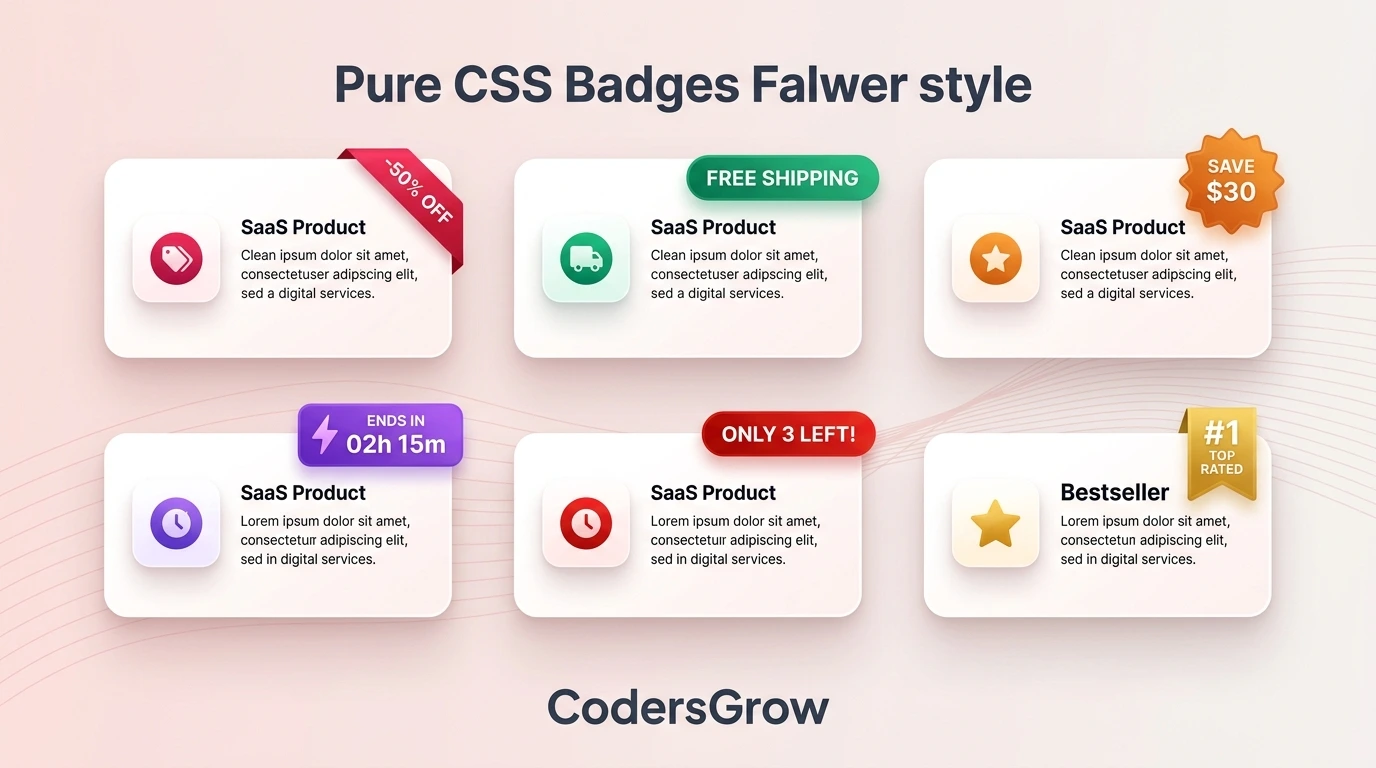
3. 14+ Pure CSS Built-In Shapes
Pick from over 14 pre-built, lightweight CSS badge shapes:
- Pill Shape, Rectangle, Rounded Rectangle
- Circle, Square, Diamond, Star / Bookmark
- Starburst, Tag Badge, Diagonal Corner Ribbon
- Left/Right Edge Ribbons, Pointed Banners
4. Dynamic Smart Variables Engine
Display real-time product data inside your woocommerce product badges without manual editing:
{percentage}: Automatically calculated discount percentage based on regular and sale prices.{discount}: Formatted currency amount saved (e.g., “$15.00”).{price}: Current active price of the product.{stock_quantity}: Available inventory level (e.g., “Only {stock_quantity} left!”).{sales_count}: Total verified unit sales (e.g., “{sales_count}+ Sold”).{days_since_publish}: Days elapsed since product launch (e.g., “New ({days_since_publish}d ago)”).{countdown}: Live ticking countdown timer.
5. Advanced Nested AND / OR Rule Engine
Automate exactly which items display your woocommerce product badges:
- OR Grouping: Badges show if ANY condition group matches.
- AND Stacking: Within each group, ALL specified conditions must be satisfied.
- Supported Conditions: Product categories, tags, on-sale status, inventory levels (In stock / Low stock / Out of stock), price ranges, minimum sales volume, recency, and customer user roles (Guest, Customer, Wholesale, VIP).
6. 9-Point Positioning & Smart Stacking
Position badges anywhere over your product images:
- 9 standard anchor locations: Top-Left, Top-Center, Top-Right, Middle-Left, Center, Middle-Right, Bottom-Left, Bottom-Center, Bottom-Right.
- Pixel-perfect X/Y offset adjustments.
- Vertical or horizontal stacking controls with custom pixel gap spacing when multiple badges apply to the same product.
7. 24+ One-Click Preset Library
Save hours of design work by importing professionally designed presets across top merchandising categories:
- Sales & Flash Discounts (50% Off Ribbon, Starburst Deals)
- Urgency & Stock Alerts (Low Stock Warning, Trending Now, Sold Out)
- Shipping & Promotions (Free Shipping, BOGO Deals)
- Seasonal & Holiday Specials (Black Friday, Cyber Monday, Christmas Deals)
8. Enterprise Performance, Caching & HPOS Ready
- Zero-Lag Rule Evaluation Cache: In-memory and transient caching prevents slowdowns on large product catalogs.
- 100% Full-Page Cache Friendly: Client-side countdown timers never break WP Rocket, LiteSpeed, Cloudflare, or Varnish cache.
- WooCommerce HPOS Certified: Fully compliant with WooCommerce High-Performance Order Storage (HPOS) and modern Gutenberg Product Blocks.
- Built-in Conversion Analytics: Track impressions, clicks, and CTR % via non-blocking browser IntersectionObserver.
Comparison: Default WooCommerce vs. Product Badge Management
| Feature | Standard WooCommerce | Product Badge Management |
|---|---|---|
| Sale Badge Style | Basic “Sale!” text only | 14+ pure CSS shapes, ribbons, stars, SVG & image |
| Dynamic % Savings | ❌ Not available | ✅ Real-time {percentage} and {discount} tags |
| Live Countdowns | ❌ Not available | ✅ Cache-safe client-side ticking countdowns |
| Rule Automation | ❌ Only manual on-sale | ✅ Nested AND/OR rules (Stock, Tags, Price, Roles) |
| Visual Live Builder | ❌ None | ✅ Split-screen real-time preview (Mobile/Tablet/Desktop) |
| Template Library | ❌ None | ✅ 24+ one-click pre-built merchandising templates |
| Performance Caching | ⚠️ Can slow down loops | ✅ Zero-lag in-memory evaluation cache |
| Conversion Analytics | ❌ None | ✅ Built-in Impressions, Clicks, and CTR % tracking |
Step-by-Step Guide: How to Create Custom WooCommerce Product Badges in 5 Minutes
Follow this quick tutorial to deploy high-converting woocommerce product badges on your site:
Step 1: Access the Visual Builder
Navigate to WooCommerce → Product Badges → Add New Badge from your WordPress admin menu.
Step 2: Choose Badge Type & Style
- Enter Title: “Flash Sale – 30% OFF”.
- Select Badge Type: Dynamic Discount or Countdown.
- Choose Shape: Ribbon or Starburst.
- Customize Colors: Bold red background (
#e53e3e) with crisp white text (#ffffff). - Enter Text:
SAVE {percentage}% | ⚡ Ends in {countdown}.
Step 3: Set Up Automated Display Rules
Switch to the Conditions & Rules tab:
- Add Condition:
Product is On Sale=Yes. - Add Condition:
Stock Status=In Stock. - (Optional) Filter by specific categories (e.g.,
FootwearorElectronics).
Step 4: Schedule Expiration & Actions
In the Schedule tab, configure your promotion’s start and end timestamps. Choose whether the badge disappears automatically upon expiration or switches to an “Offer Ended” notice.
Step 5: Select Position and Activate
Under Position & Display, anchor your badge to Top Right with a 10px offset. Click Save & Activate. Your woocommerce product badges will immediately merchandise your store catalog!
Explore our other WooCommerce solutions like PreOrder Products Manager for WooCommerce and Size Measurement Pro for WooCommerce to build a comprehensive, high-converting store.
Frequently Asked Questions (FAQ)
Will using woocommerce product badges slow down my website?
No. Product Badge Management utilizes an ultra-lightweight in-memory and transient evaluation cache architecture. Furthermore, all countdown tickers execute purely on the client side, ensuring full compatibility with Google PageSpeed Insights and caching solutions like WP Rocket, LiteSpeed, and Cloudflare.
Can I display different woocommerce product badges to wholesale vs retail customers?
Yes! The advanced nested AND/OR condition engine allows you to target badges based on WordPress user roles, displaying VIP or wholesale promotions exclusively to logged-in wholesale buyers while showing standard retail labels to guests.
Does this plugin work with WooCommerce Gutenberg Product Blocks?
Yes, Product Badge Management seamlessly renders on classic WooCommerce archive loops, single product pages, search results, and modern Gutenberg Product Blocks.
Can I override global badges on individual products?
Yes. Every product edit screen includes a dedicated “Product Badges” sidebar panel where you can manually assign specific badges, disable global rules, or set custom priority overrides.
Is Product Badge Management compatible with High-Performance Order Storage (HPOS)?
Yes, the plugin is 100% compliant with WooCommerce HPOS and adheres to the strictest WordPress security and performance guidelines.
Conclusion & Call to Action
Visual merchandising with smart woocommerce product badges is the most cost-effective strategy to highlight promotions, build urgency, and boost your overall e-commerce conversion rate.
Stop losing sales to boring, static product grids. Upgrade your store with Product Badge Management for WooCommerce by CodersGrow and start merchandising like top retail brands today!