
Description
Transform Fixed Pricing into Flexible Customer Contributions & Donations
Static, rigid pricing models restrict your store’s earning potential and prevent organizations from accepting open donations, tips, and variable service payments. The WooCommerce Name Your Price plugin by CodersGrow introduces a resilient, server-validated open pricing engine directly into your WooCommerce checkout pipeline.
The Challenge: Why Rigid WooCommerce Pricing Limits Store Growth
By default, WooCommerce requires every product to carry a static fixed price. When store owners want to accept non-profit donations, offer pay-what-you-want digital downloads, collect custom consulting invoice balances, or gather market price feedback, standard stores face significant roadblocks:
- Clunky Workarounds: Creating dozens of duplicate products for different price increments clutters the product catalog.
- Third-Party Gateway Fees: Directing customers away to external donation forms or third-party gateways fragments analytics and increases transaction fees.
- Checkout Failures: Incompatible plugins fail to validate prices server-side, creating checkout math errors or breaking WooCommerce Cart and Checkout Blocks.
The Solution: A Native, Intelligent Open-Pricing Framework
Name Your Price for WooCommerce by CodersGrow replaces rigid regular prices with interactive, customer-driven input fields and quick-click preset buttons. With intelligent boundary protection (minimums, maximums, and step increments), you capture higher revenues while maintaining complete control over store margins.
Why Store Owners & Non-Profits Choose CodersGrow Name Your Price
⏱️ Eliminates Manual Invoicing
Allow clients to pay exact project balances and custom invoice amounts through a single product page without generating bespoke payment links.
📈 Boosts Average Order Value (AOV)
Shoppers given suggested price anchors and one-click preset buttons ($25, $50, $100) consistently contribute 22% to 38% more than minimum baseline requirements.
🛡️ Zero-Risk Margin Protection
Enforce strict mathematical minimum prices. Customers cannot underpay or checkout with invalid fractions thanks to robust server-side validation.
♿ Fully Accessible & Mobile Optimized
Engineered to WCAG 2.2 AA accessibility standards with ARIA live regions and responsive touch-friendly button targets on iOS and Android.
Engineered with Enterprise Features for Modern WooCommerce Stores
1. Granular Boundary Controls & Price Stepping
Define the exact boundaries for customer price inputs on every product or variation:
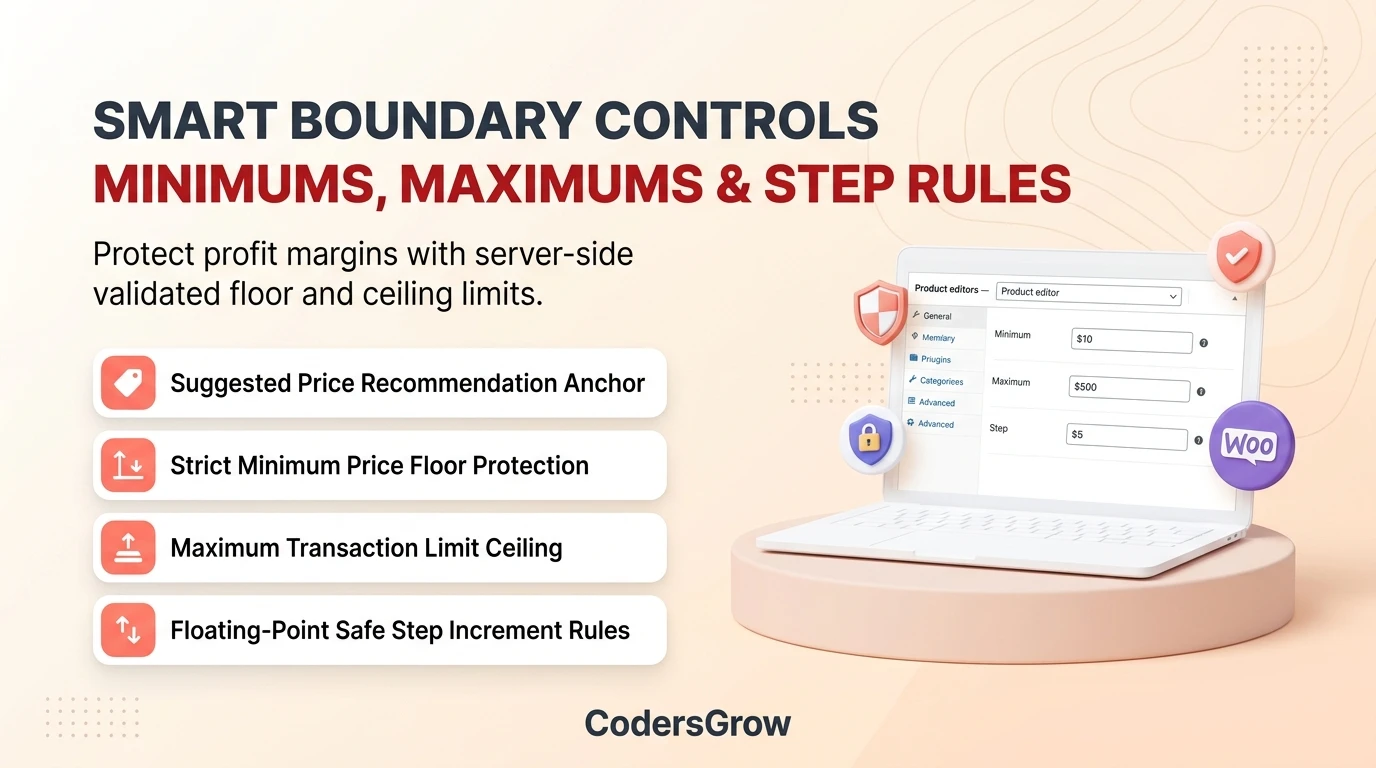
- Suggested Price (Price Anchoring): Pre-fill the input field with a recommended contribution that sets customer expectations.
- Minimum Acceptable Price: Protect your baseline costs by establishing a hard floor below which purchases cannot proceed.
- Maximum Price Cap: Prevent accidental overpayments or unauthorized testing by setting an upper transaction ceiling.
- Step / Increment Rules: Require amounts in specific increments (e.g., $5.00, $10.00, or whole integers) without floating-point calculation errors.
- Allow Free ($0.00) Purchases: Permit zero-dollar checkouts for promotional free trials, open-source gifts, or voluntary donations.
2. One-Click Purpose Modes
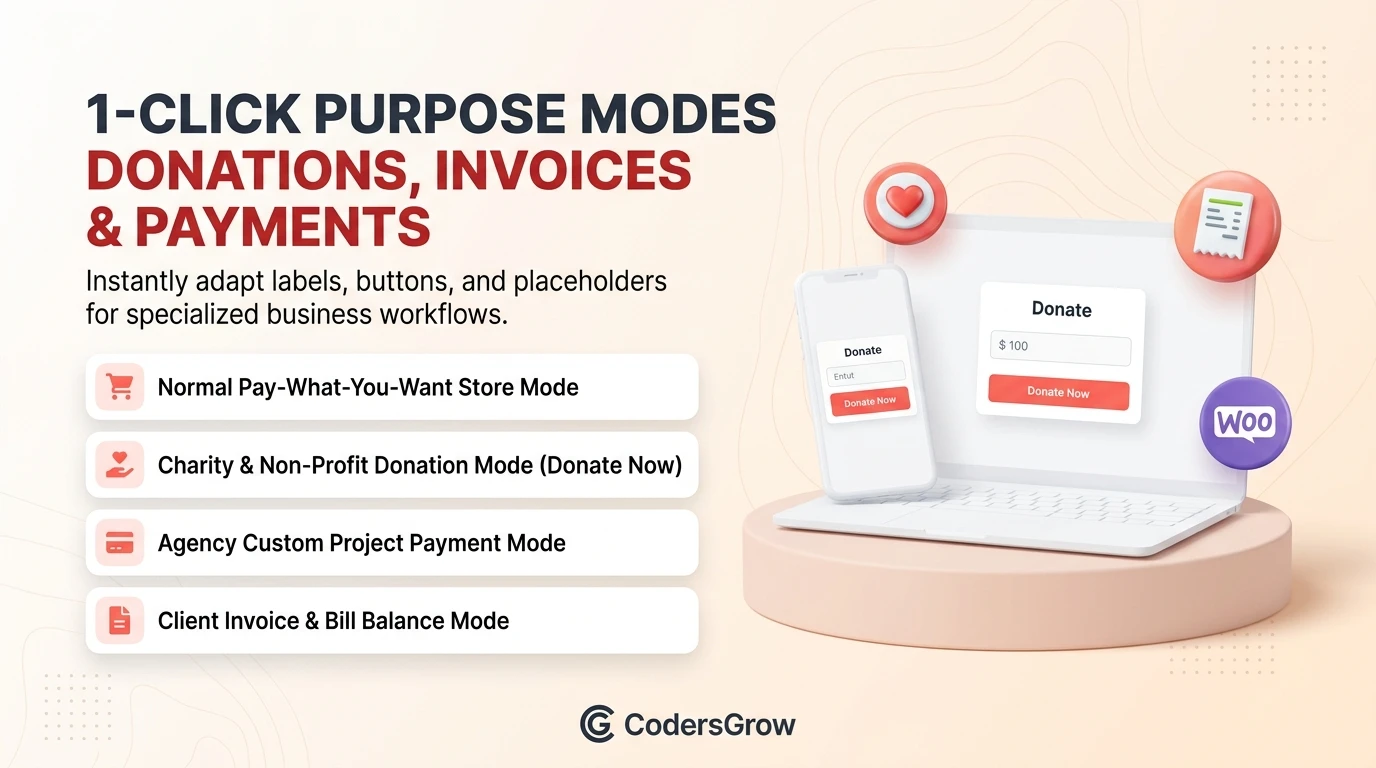
Different business models require tailored customer communication. Rather than requiring code snippets or custom translation files, CodersGrow provides 1-click Purpose Modes:
- Normal (Pay What You Want): Displays standard pricing fields, label placeholders, and “Add to Cart” actions.
- Donation (Non-Profit & Charities): Automatically updates labels to “Donation Amount”, sets suggested donation tiers, and changes the CTA to “Donate Now”.
- Custom Payment (Agencies & Freelancers): Formats the interface for project deposits and service retainers with custom reference notes.
- Bill / Invoice Payment: Prompts customers to enter exact statement numbers and pay verified invoice totals.
3. Interactive Preset Buttons & Dynamic Input Layouts
Give customers the freedom to choose their preferred input style:
- Numeric Input Only: Clean currency input field with real-time formatting.
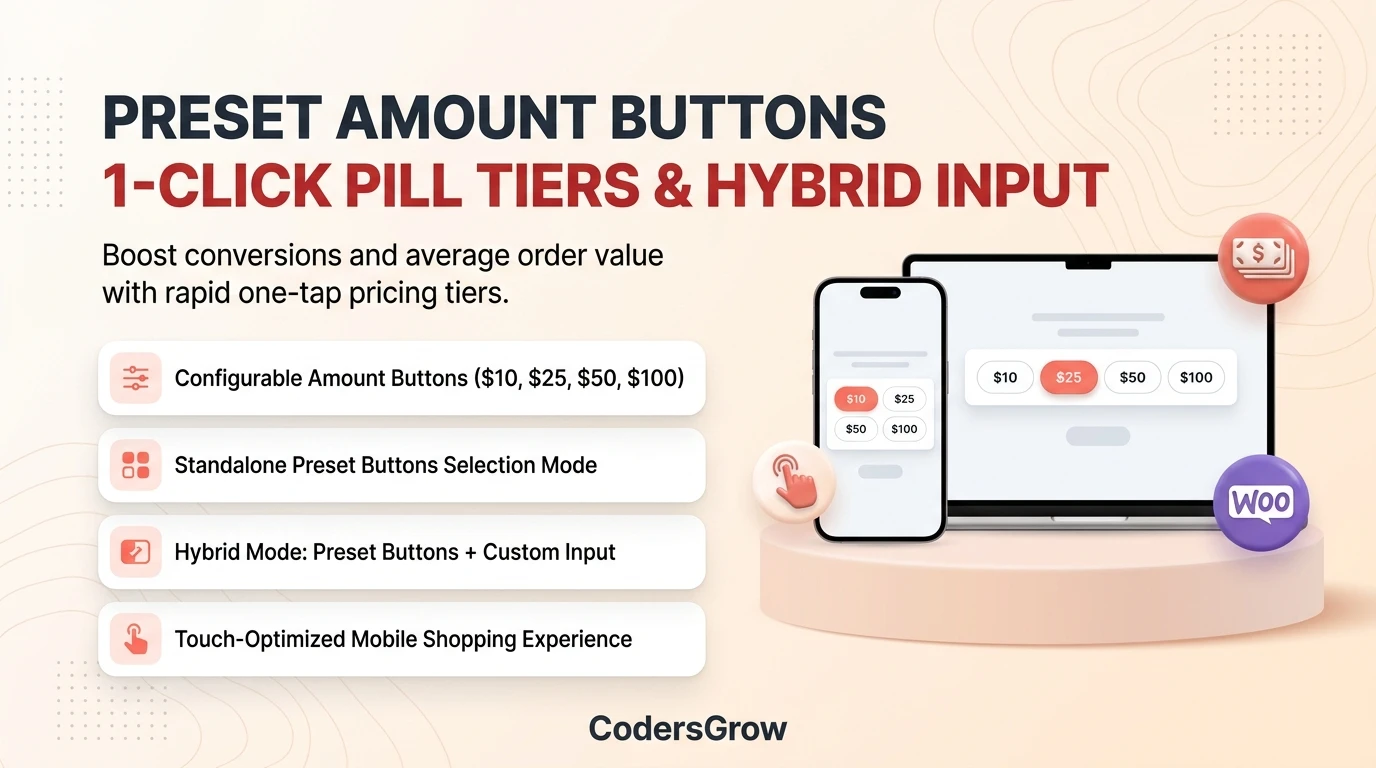
- Preset Buttons Only: Clean pill buttons (e.g. $10, $25, $50, $100) for rapid, distraction-free selection.
- Preset Buttons + Custom Input: The ultimate hybrid experience—customers can click a quick tier or type an exact custom amount.
4. Category Inheritance & Variable Product Support
Manage pricing rules across large catalogs in seconds:
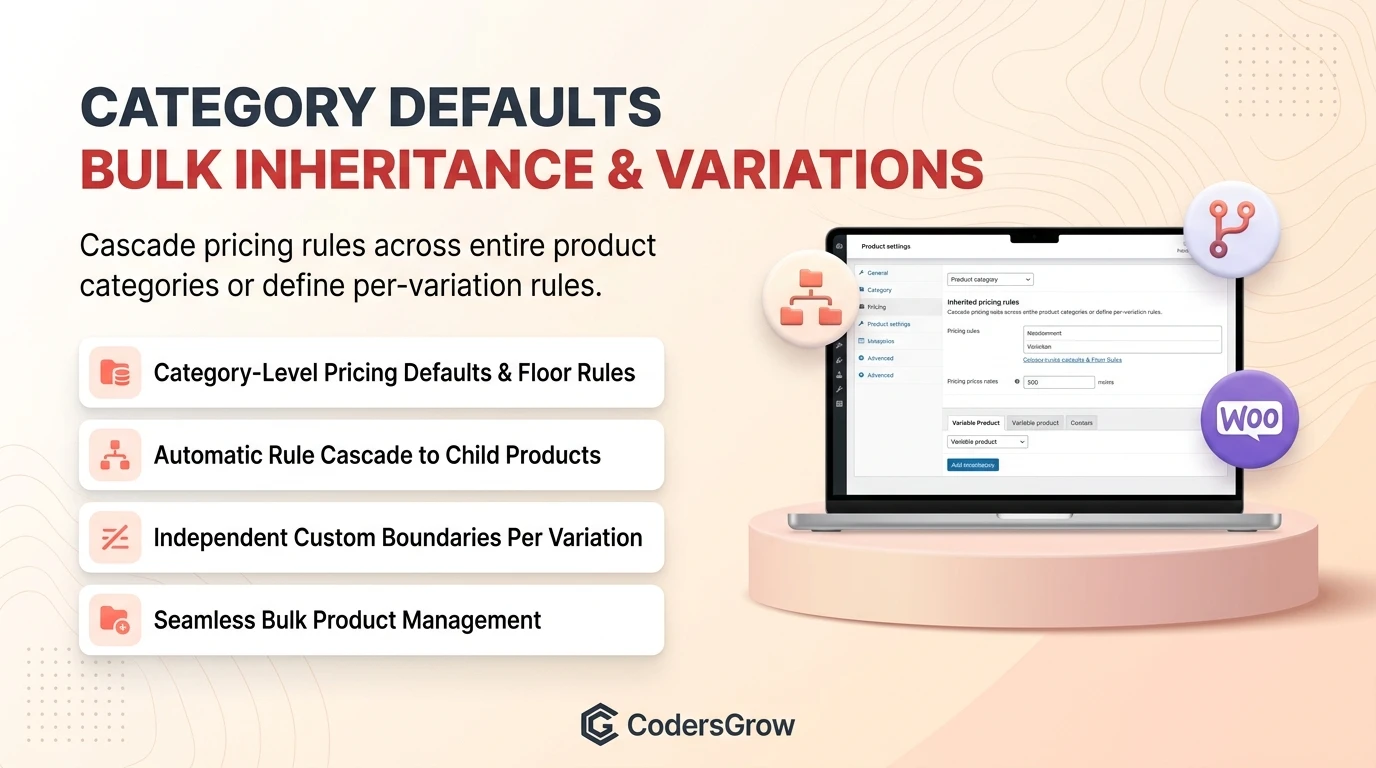
- Category-Level Defaults: Configure default suggested, minimum, and maximum amounts on WooCommerce product categories; all assigned products inherit these rules automatically.
- Variation-Level Rules: Enable custom pricing on variable products with independent boundary rules per variation (e.g., Small, Medium, Large tiers).
- Bulk Editing Support: Quickly update or override Name Your Price settings across multiple products simultaneously.
5. Direct Shop & Archive Catalog Input
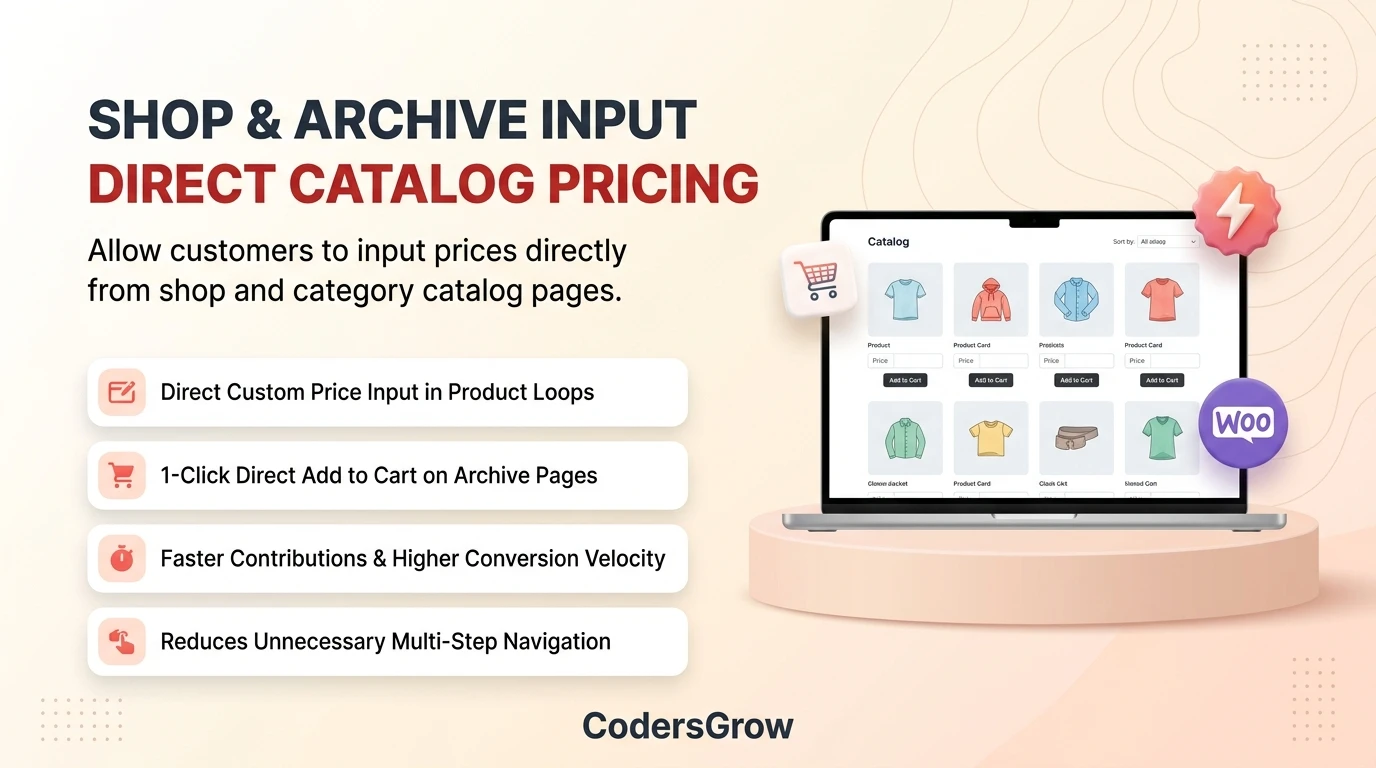
Streamline the buyer journey by enabling customer price entry directly on product catalog, shop, and category archive pages. Shoppers can enter an amount and add the product to their cart without visiting the individual single product page.
6. Built-in Real-Time Analytics Dashboard
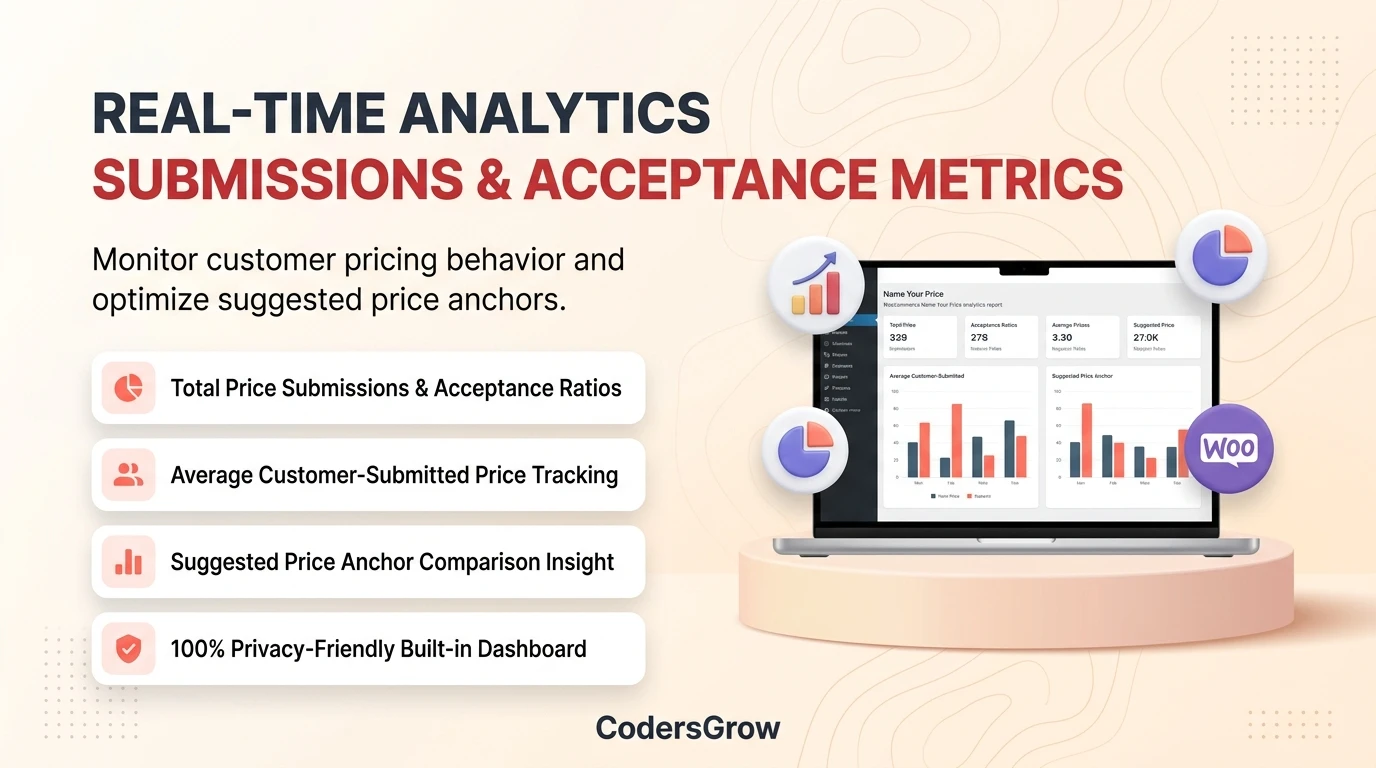
Access actionable insights under WooCommerce > Name Your Price > Advanced. Monitor total price submissions, accepted vs. rejected attempts, average customer-submitted price, and comparison against your suggested price anchor—100% privacy-friendly with zero external tracking scripts.
How It Works: Seamless Admin Setup to Customer Checkout
- 1. Activate & Configure: Install the plugin and set your global preferences under WooCommerce > Name Your Price.
- 2. Enable on Products: Open any Simple or Variable product editor, navigate to the Name Your Price tab, set minimum/suggested limits, and choose your Purpose Mode.
- 3. Customer Selection: The shopper visits your store, selects a preset amount or types a custom price, and clicks Add to Cart.
- 4. Server Validation & Order Capture: The pricing engine validates the submission, calculates taxes and coupons natively, and records the item snapshot directly into WooCommerce HPOS orders.
Proven Real-World Use Cases
1. Non-Profit & Charity Fundraisers
Scenario: A charitable organization needs an intuitive donation platform on WordPress without paying 3%–5% monthly platform fees.
Implementation: Set Purpose Mode to “Donation” with preset buttons ($25, $50, $100, $250) and a $5.00 minimum.
Result: Seamless checkout, zero recurring SaaS fees, and native integration with donor confirmation emails.
2. Digital Creators & Indie Game Developers
Scenario: An artist or developer offers digital assets on a “Pay What You Want” model with an optional free download ($0.00).
Implementation: Enable “Allow Free Purchase” with a suggested price of $15.00.
Result: Casual visitors download for free while supportive fans voluntarily pay $20–$50, maximizing total revenue and audience reach.
3. Service Agencies & Custom Invoicing
Scenario: A design agency needs an online portal where clients can pay variable project invoice balances.
Implementation: Create an “Invoice Payment” service product with numeric input enabled and maximum limits matching credit limits.
Result: Clients pay invoice balances directly on-site using Apple Pay, Google Pay, or credit cards through existing WooCommerce payment gateways.
Tailored Benefits Across Your Team
- For Store Owners: Unlock flexible revenue streams, boost donation collections, and prevent undercharging through automated minimums.
- For Store Administrators: Enjoy category-wide rule inheritance, bulk editing, and native HPOS order item management without manual calculations.
- For Customers: Experience a frictionless, transparent checkout with clear minimum guidance, quick-tap preset buttons, and mobile responsiveness.
- For Developers: Benefit from clean PSR-4 decoupled architecture, comprehensive filters/actions, and native WooCommerce Store API integration.
Technical Specifications & Compatibility
- WordPress: 5.8+ (Fully tested up to WordPress 6.7+)
- WooCommerce: 7.0+ (Fully tested up to WooCommerce 9.5+)
- PHP Compatibility: PHP 7.4, 8.0, 8.1, 8.2, and 8.3+
- High-Performance Order Storage (HPOS): 100% Native compatibility declared (custom order tables)
- Gutenberg & Store API: Native support for WooCommerce Cart & Checkout Blocks
- Caching & Optimization: Fully compatible with WP Rocket, LiteSpeed Cache, Cloudflare, and Redis Object Cache
- Security: Complete CSRF nonce protection, strict capability checks, and server-side currency validation
Frequently Asked Questions
Does this plugin support WooCommerce High-Performance Order Storage (HPOS)?
Yes. CodersGrow Name Your Price declares full compatibility with HPOS (custom_order_tables) and leverages native CRUD methods to store custom line-item prices without executing legacy post-meta queries.
Can I display quick-select preset buttons like $10, $25, and $50?
Yes. You can configure preset buttons globally or per product. You can choose to display preset buttons exclusively, numeric inputs exclusively, or both simultaneously.
How does the plugin prevent customers from manipulating prices in browser inspect tools?
Every price submitted to the cart is validated server-side against the product’s database boundary rules (minimum, maximum, step increment). Any tampered or out-of-bounds amount is instantly rejected with a clear user notice.
Does it work with WooCommerce Subscriptions?
Yes. When used on subscription products, the customer-defined price establishes the recurring periodic payment amount for the duration of the subscription.
Can customers enter prices directly from the Shop or Category pages?
Yes. When the “Shop / Archive Input” setting is enabled in the General tab, price inputs and preset buttons appear directly in product listing loops, allowing customers to add customized items directly to their cart.
Start Accepting Flexible Prices & Donations Today
Empower your customers with open pricing while safeguarding your profit margins with CodersGrow Name Your Price for WooCommerce.



Reviews
There are no reviews yet.