Selecting the best woocommerce age verification plugin is an essential legal and operational requirement for online merchants selling age-restricted goods such as wine, craft spirits, vaping hardware, CBD, tobacco, knives, or mature gaming content. Failing to verify customer age before purchase exposes your e-commerce business to severe regulatory penalties, payment gateway merchant account suspensions, and legal liabilities.
According to regulatory compliance guidelines published by the Federal Trade Commission on online consumer age gates, e-commerce retailers operating in restricted verticals must establish documented, verifiable age checks before allowing customers to view mature content or finalize checkout transactions. However, implementing an intrusive or poorly designed age gate can frustrate legitimate adult shoppers and crush store conversion rates.
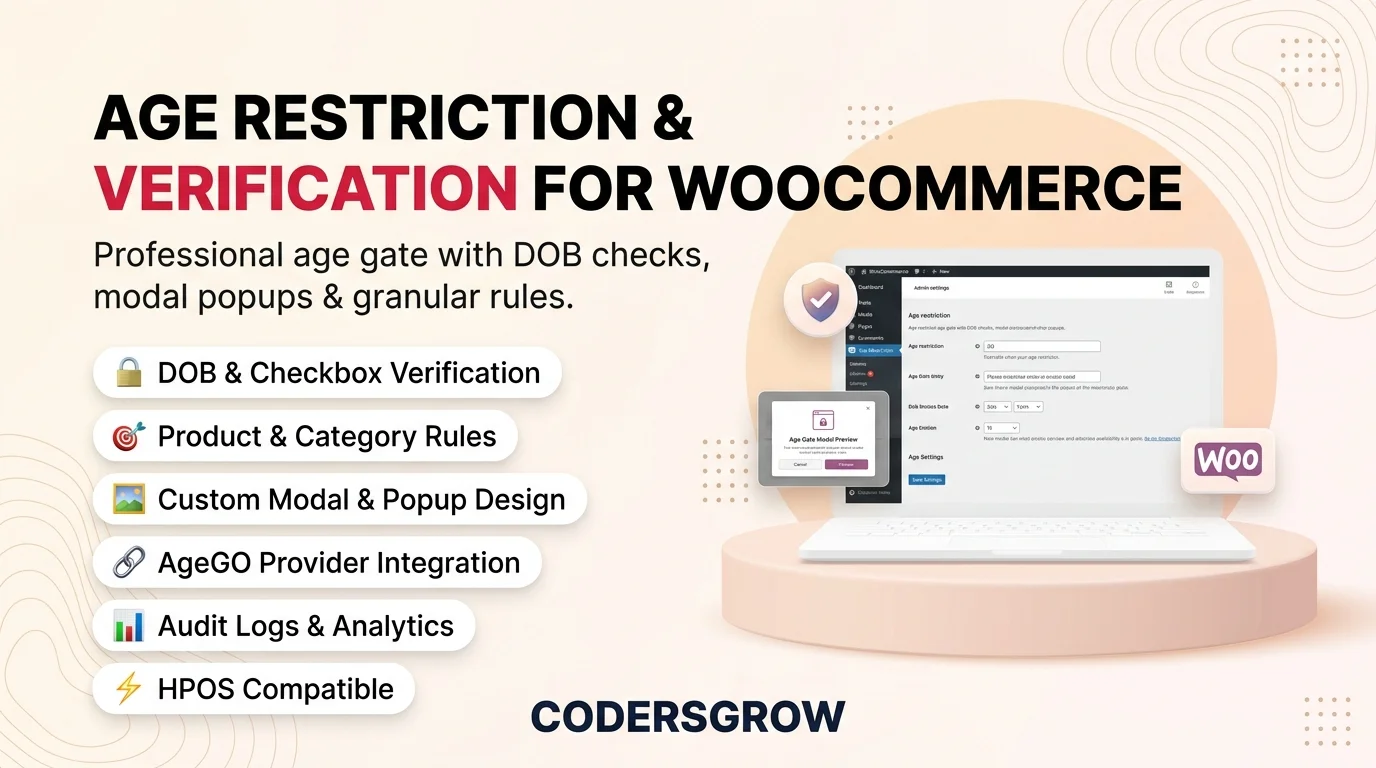
Why Basic Cookie Popups Do Not Protect Your Store
Many online shops attempt to meet age verification requirements using basic JavaScript cookie consent banners. However, these simplistic banners fail to provide genuine legal compliance for several reasons:
- No Granular Scope Control: Standard popups block the entire website globally, annoying visitors who are merely browsing unrestricted merchandise or informational blog guides.
- Zero Compliance Audit Logs: If a regulatory authority or payment processor audits your store, basic popups leave no digital timestamp, IP hash, or audit trail confirming that the customer verified their age.
- No ID Verification Provider Integration: Certain high-risk industries strictly require third-party identity database verification (such as AgeGO) rather than a simple self-certification checkbox.
- SEO Indexing Penalties: Poorly coded modal scripts block search engine crawlers, preventing Google from indexing your product titles and descriptions.
Core Evaluation Criteria: What Makes an Age Verification Plugin Great?
To identify the best woocommerce age verification plugin, we assessed the market leaders against five essential benchmarks:
- Verification Methods: Does the tool support multiple gate types (1-click Yes/No verification, exact date-of-birth input, and third-party API identity lookups)?
- Granular Target Scoping: Can merchants restrict specific categories, product tags, or individual items while leaving the rest of the store accessible?
- Design Customization: Can you customize modal backgrounds, logos, typography, blur effects, and legal disclaimer copy without writing CSS?
- Audit Logging & Compliance Records: Does the system maintain timestamped verification logs to satisfy payment processors during merchant reviews?
- SEO Friendliness: Does the age gate permit legitimate search engine bots (like Googlebot) to crawl catalog content without being blocked?
1. Age Restriction & Verification for WooCommerce (Top Pick)
Developed by CodersGrow, Age Restriction & Verification for WooCommerce is the most comprehensive compliance and gatekeeping solution available for WordPress merchants. Built with both regulatory rigor and user experience in mind, it provides robust identity protection without disrupting the shopping journey for compliant buyers.
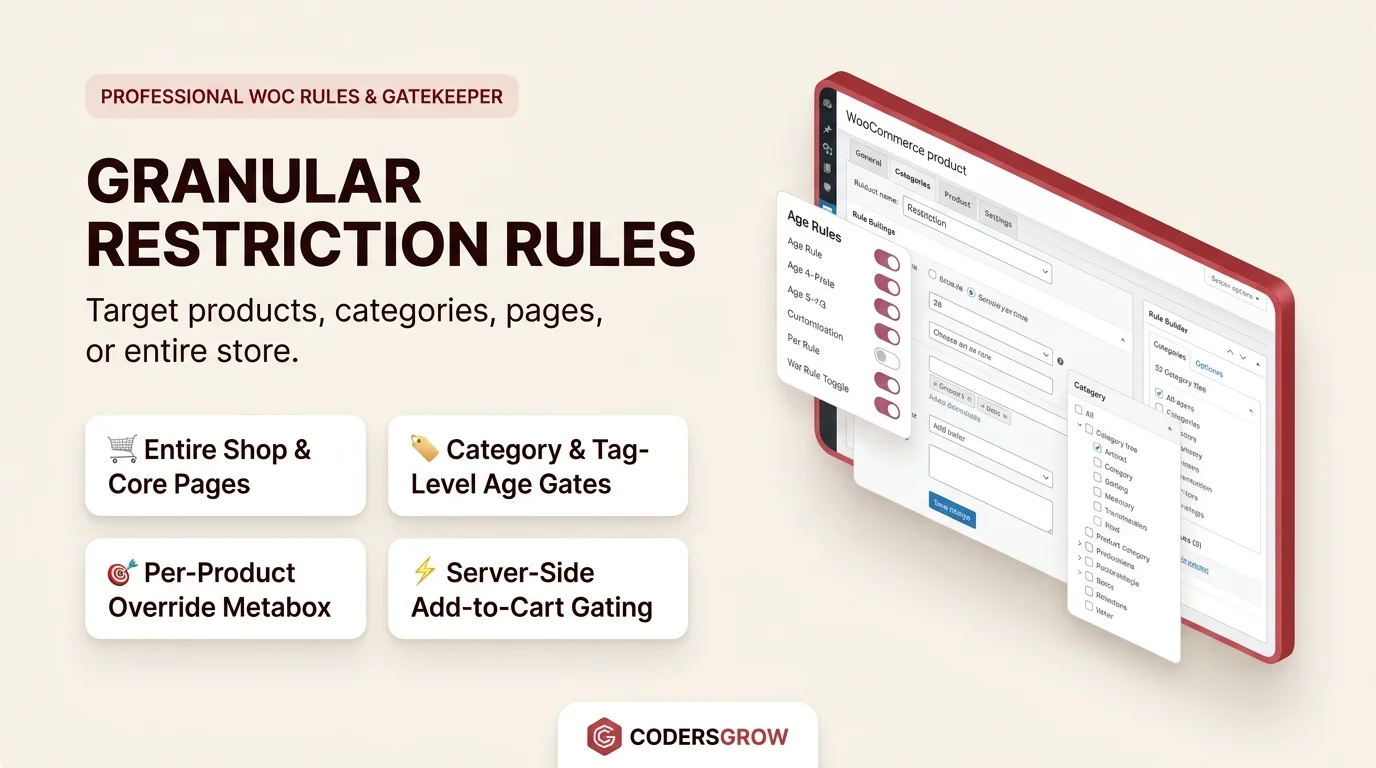
Key Capabilities of Age Restriction & Verification:
- Triple Verification Modes: Choose between a clean 1-click confirmation prompt, an exact date-of-birth selector, or seamless third-party AgeGO automated verification.
- Granular Category & Tag Targeting: Protect only restricted products (e.g., wine or cigars) while keeping accessories, glassware, and blog articles open to all visitors.
- Comprehensive Compliance Audit Logs: Automatically records customer verification timestamps, session IDs, and confirmation status, providing an indisputable audit trail for merchant account underwriters.
- Visual Live Customizer: Customize backdrop blur intensity, brand logos, legal disclaimer text, button colors, and exit redirect URLs effortlessly.
- SEO & Bot Whitelisting: Ensures search engine spiders crawl catalog metadata uninterrupted while keeping restricted checkout protected.
For detailed configuration instructions, review our step-by-step WooCommerce age restriction setup guide.
2. Age Gate by Phil Baker
Age Gate is a widely respected free WordPress plugin that provides standard age verification popups with date-of-birth selection and Yes/No buttons.
Strengths and Limitations:
Age Gate is developer-friendly, supports basic SEO bot whitelisting, and offers solid styling hooks. However, it lacks out-of-the-box integration with commercial identity verification APIs (like AgeGO), and generating comprehensive compliance audit reports requires custom database queries.
3. YITH WooCommerce Age Verification
YITH WooCommerce Age Verification allows store owners to set up a full-screen modal gate with custom background images and redirect links for underage users.
Strengths and Limitations:
YITH delivers an easy-to-use administrative interface that blends well with other YITH extensions. On the downside, its rule-targeting engine is less granular, often requiring site-wide locking rather than flexible per-variation or category-specific restrictions.
4. Age Verification for WooCommerce by MotifCreatives
Available on the official WooCommerce marketplace, this extension provides straightforward date-of-birth verification popups designed specifically for online stores.
Strengths and Limitations:
The plugin integrates smoothly into native WooCommerce themes and supports cookie session memory. However, the annual subscription cost is higher than self-hosted alternatives, and customization controls for modal borders and typography are relatively basic.
Comparison Summary: Top 4 Age Verification Tools
Review the technical comparison table below to determine the best woocommerce age verification plugin for your store:
| Feature | Age Restriction (CodersGrow) | Age Gate | YITH Age Verification |
|---|---|---|---|
| Verification Methods | Yes/No, DOB, AgeGO API | Yes/No, DOB | Yes/No, DOB |
| Granular Category Scoping | Yes (Per-Product/Category) | Supported | Limited |
| Compliance Audit Logs | Built-in Admin Table | Custom Code Required | Not Available |
| Googlebot Whitelisting | Automatic | Supported | Basic |
Frequently Asked Questions
Will adding an age gate harm my Google SEO rankings?
No. Quality extensions like CodersGrow Age Restriction automatically detect verified search engine crawlers via user-agent validation, allowing search spiders to index your catalog without triggering the popup modal.
Do customers have to re-verify their age on every single page view?
No. Once a visitor successfully verifies their age, a secure session cookie remembers their status for a customizable duration (e.g., 30 days), preventing repetitive interruptions.
What happens if an underage user attempts to enter?
You can configure a custom redirect URL (such as Google or an educational website) or display a polite refusal message explaining that state or national laws restrict access.
Final Verdict: Secure Your Store and Stay Compliant
Operating an age-restricted storefront requires strict adherence to legal standards. While basic popups offer superficial warnings, Age Restriction & Verification for WooCommerce delivers the complete compliance package—third-party identity verification, granular scoping, audit logging, and modern visual design—making it the best woocommerce age verification plugin for serious merchants in 2026.
Get Age Restriction & Verification for WooCommerce →
Experience the Live Age Gate Demo