Choosing the best woocommerce product badge plugin is one of the highest-ROI visual merchandising upgrades you can implement to capture buyer attention, highlight promotional discounts, and increase store sales. When shoppers scroll through a crowded product category archive, generic product grids blur together. High-contrast visual badges, live flash sale countdown timers, and dynamic percentage-off labels create immediate visual hierarchy and drive clicks.
According to conversion optimization research by CXL Institute on e-commerce visual hierarchy, eye-tracking heatmaps confirm that shoppers notice high-contrast visual badges within the first 50 milliseconds of scanning a product catalog. Applying automated visual cues helps customers instantly spot bestsellers, limited stock clearances, and seasonal promotions without reading tiny text descriptions.
Why Default WooCommerce Sale Badges Fail to Convert
WooCommerce includes a default text badge: a plain circular label that reads “Sale!” whenever a sale price is entered. While functional, this default badge suffers from severe merchandising limitations:
- Zero Dynamic Calculation: It cannot calculate exact savings (such as “Save 35%” or “Save $40”), which are far more motivating to bargain shoppers than a generic word.
- No Urgency Triggers: You cannot attach live countdown timers to flash sales or limited-time weekend promotional campaigns.
- Rigid Design Options: Changing badge colors, positioning, borders, or CSS shapes requires custom child theme stylesheets.
- No Conditional Automation: You cannot set automatic rules to display badges based on low inventory stock, new arrival dates, or customer role status.
Evaluation Framework: How We Ranked the Top Badge Plugins
To determine the best woocommerce product badge plugin, we tested the leading solutions against five core operational criteria:
- Visual Customization: Does the extension offer a live visual builder with preset shapes, ribbons, badges, diagonal banners, and custom CSS styling?
- Dynamic Data Placeholders: Can the badge automatically calculate percentage discounts, exact dollar savings, stock levels, or days remaining?
- Granular Display Rules: Can merchants schedule badges by category, tag, specific product IDs, stock quantity, or user roles?
- Mobile Responsiveness & Speed: Do badges scale cleanly on mobile screens without causing cumulative layout shifts (CLS) or slowing down shop archives?
- HPOS & Block Theme Compatibility: Does the plugin work seamlessly with modern WooCommerce block themes and custom order tables?
1. Product Badge Management for WooCommerce (Top Pick)
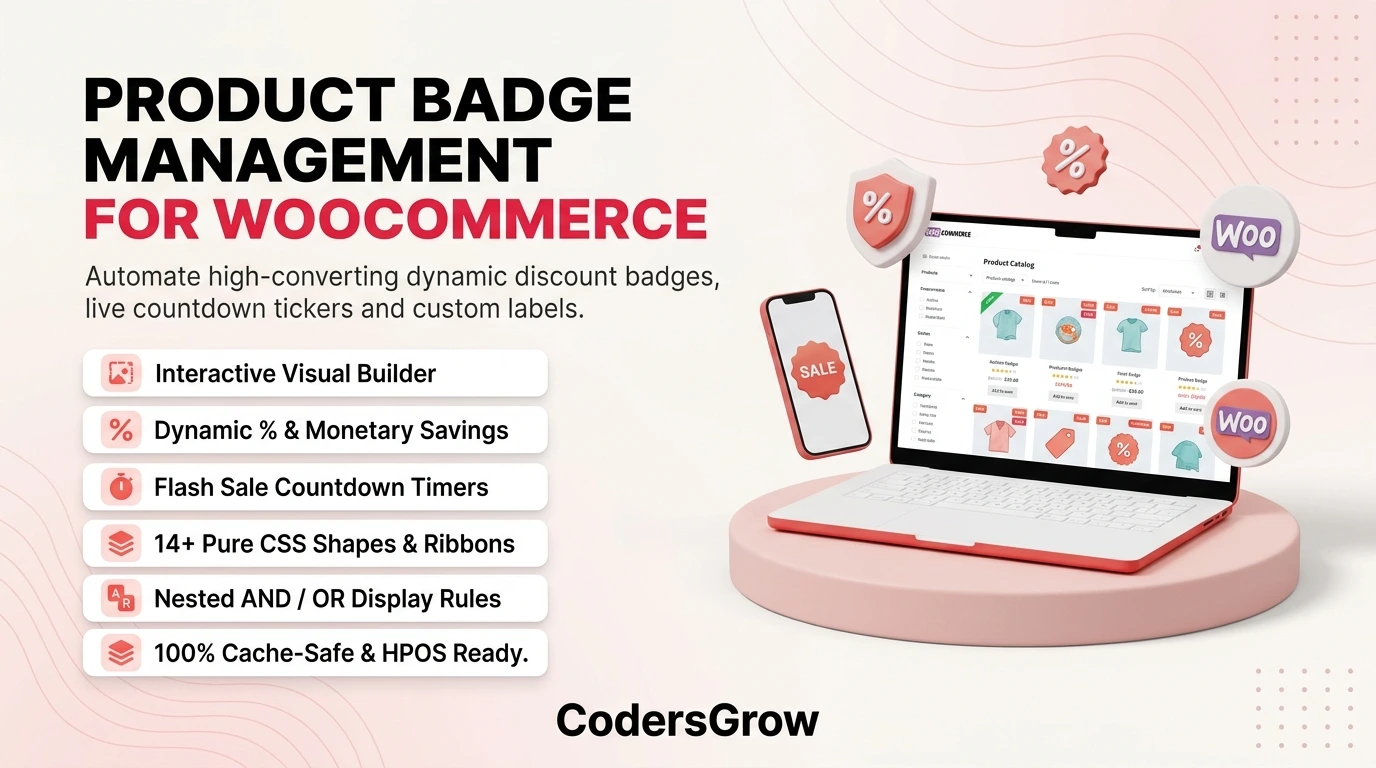
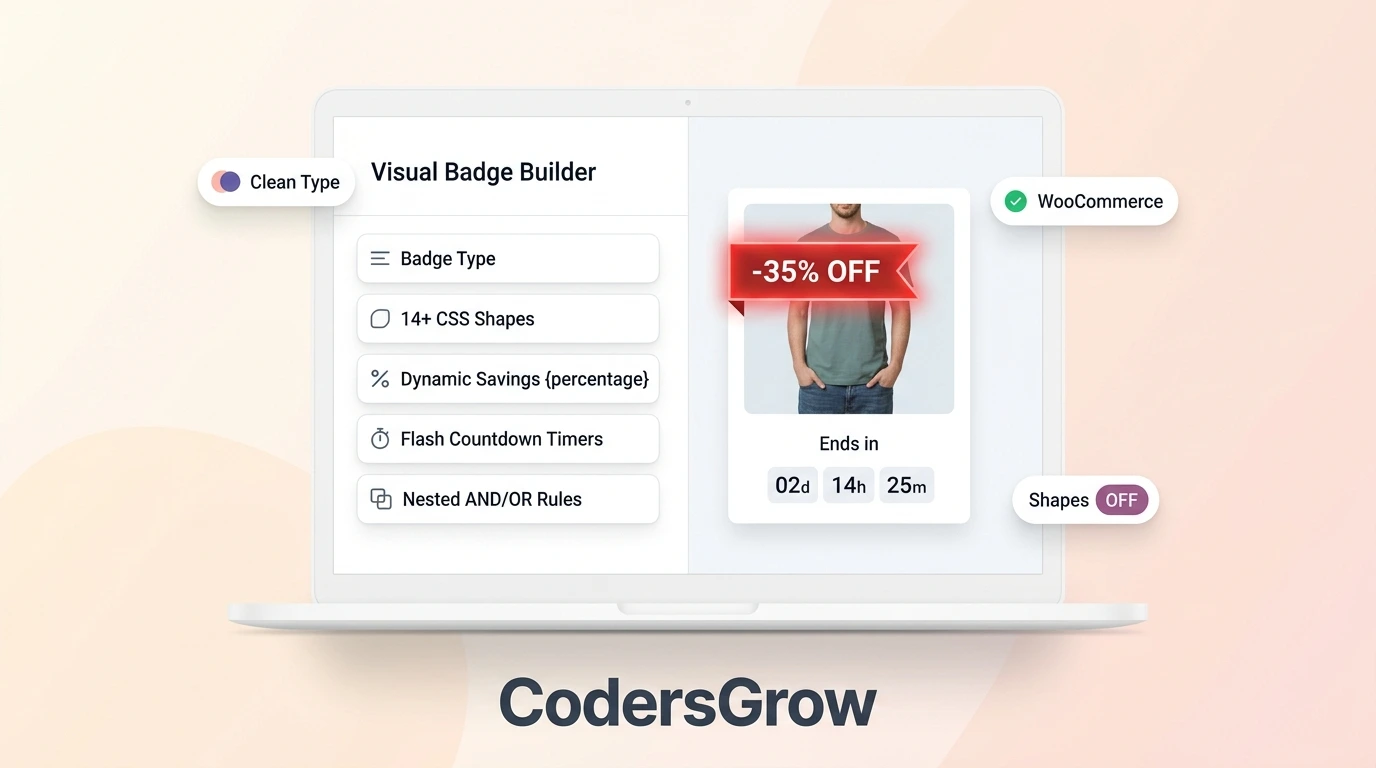
Developed by CodersGrow, Product Badge Management for WooCommerce is a premier merchandising toolkit designed to give store owners complete creative and automated control over their promotional badges. Featuring a real-time visual live builder, merchants can design custom badges and preview them across sample products before publishing.
Standout Features of Product Badge Management:
- Real-Time Visual Customizer: Adjust badge shapes, typography, gradients, shadows, rotation angles, and positions (top-left, top-right, center, bottom) with instant visual feedback.
- Dynamic Discount Math: Automatically output exact percentage savings (e.g.,
Save 25%) or absolute price discounts (e.g.,$50 OFF) calculated on the fly. - Automated Flash Countdown Timers: Drive authentic urgency by embedding live countdown clocks into product badges for timed promotions.
- Granular Condition Engine: Automatically trigger badges based on category, product tags, stock thresholds (e.g., “Only 3 Left!”), or publication dates (e.g., “New Arrival”).
- Pure Lightweight CSS Output: Renders badges using clean CSS without heavy image assets, ensuring blazing-fast catalog load times.
For an in-depth setup tutorial, consult our complete WooCommerce product badges merchandising guide.
2. YITH WooCommerce Badge Management
YITH WooCommerce Badge Management is a well-known option that allows store owners to assign custom text or image badges to products across shop loops and single product pages.
Strengths and Limitations:
YITH offers pre-uploaded graphic badges and basic scheduling rules. However, its visual styling options are limited compared to modern block customizers. Generating custom CSS shapes or embedding dynamic live countdown clocks requires technical coding or separate extensions.
3. Advanced Product Labels for WooCommerce (BeRocket)
BeRocket’s Advanced Product Labels provides clean condition-based badge assignments, allowing merchants to set up rules based on cart totals, sales status, or product attributes.
Strengths and Limitations:
The condition logic in BeRocket is powerful and flexible. However, the administrative interface feels dated, and configuring custom badge positioning across custom theme grids often requires manual CSS overrides.
4. WooCommerce Dynamic Badges (CodeCanyon)
A collection of lightweight badge extensions on CodeCanyon provide basic CSS ribbons and circular sale badges for budget-conscious store owners.
Strengths and Limitations:
While affordable, many generic marketplace badge plugins lack ongoing maintenance for WooCommerce High-Performance Order Storage (HPOS) and lack dynamic countdown timers or inventory-triggered rules.
Comparison Summary: Top Badge Extensions
Review the key capabilities side-by-side to choose the best woocommerce product badge plugin for your catalog:
| Feature | Product Badge Management | YITH Badge Management | BeRocket Labels |
|---|---|---|---|
| Visual Live Customizer | Yes (Real-Time Preview) | Basic Sidebar | Standard Admin Form |
| Flash Countdown Clocks | Built-in Timer Engine | Not Available | Not Available |
| Dynamic Math (% and $ Off) | Automated | Basic Percentage | Supported |
| Rendering Method | Pure Ultra-Fast CSS | Images & CSS | CSS |
Frequently Asked Questions
Do custom product badges slow down WooCommerce shop archive pages?
No. When built using pure CSS rather than heavy external image files, badges render instantaneously without increasing page weight or impacting Core Web Vitals.
Can I show multiple badges on a single product?
Yes. Product Badge Management supports multi-badge stacking, allowing you to showcase both a “Save 20%” discount badge and a “Bestseller” ribbon simultaneously.
Can badges be scheduled to turn on and off automatically?
Yes. You can schedule promotions with exact start and end timestamps, ensuring flash sale badges disappear automatically when the campaign ends.
Final Verdict: Choose the Winning Merchandising Solution
Selecting the best woocommerce product badge plugin gives your store an immediate visual advantage. While basic tools handle simple text labels, Product Badge Management for WooCommerce delivers the complete visual toolkit—dynamic savings calculations, real-time live builders, and countdown timers—to maximize your store’s promotional conversion rate.
Get Product Badge Management for WooCommerce →
Explore the Interactive Live Sandbox