Finding the best wordpress passwordless login plugin is the definitive strategy for store owners looking to eliminate checkout password fatigue, stop credential-stuffing cyberattacks, and boost mobile e-commerce conversions. Traditional username and password combinations are the single weakest link in web application security. Customers constantly forget complex passwords, abandon purchases during reset password flows, or reuse compromised credentials across multiple online stores.
According to research by the FIDO Alliance on authentication benchmarks, passkey and biometric authentication speeds up user sign-in by over 75% while virtually eliminating phishing threats. When you implement native WebAuthn and passkey technology, your visitors sign in with a single touch or glance using Apple FaceID, TouchID, Windows Hello, or Android biometrics.
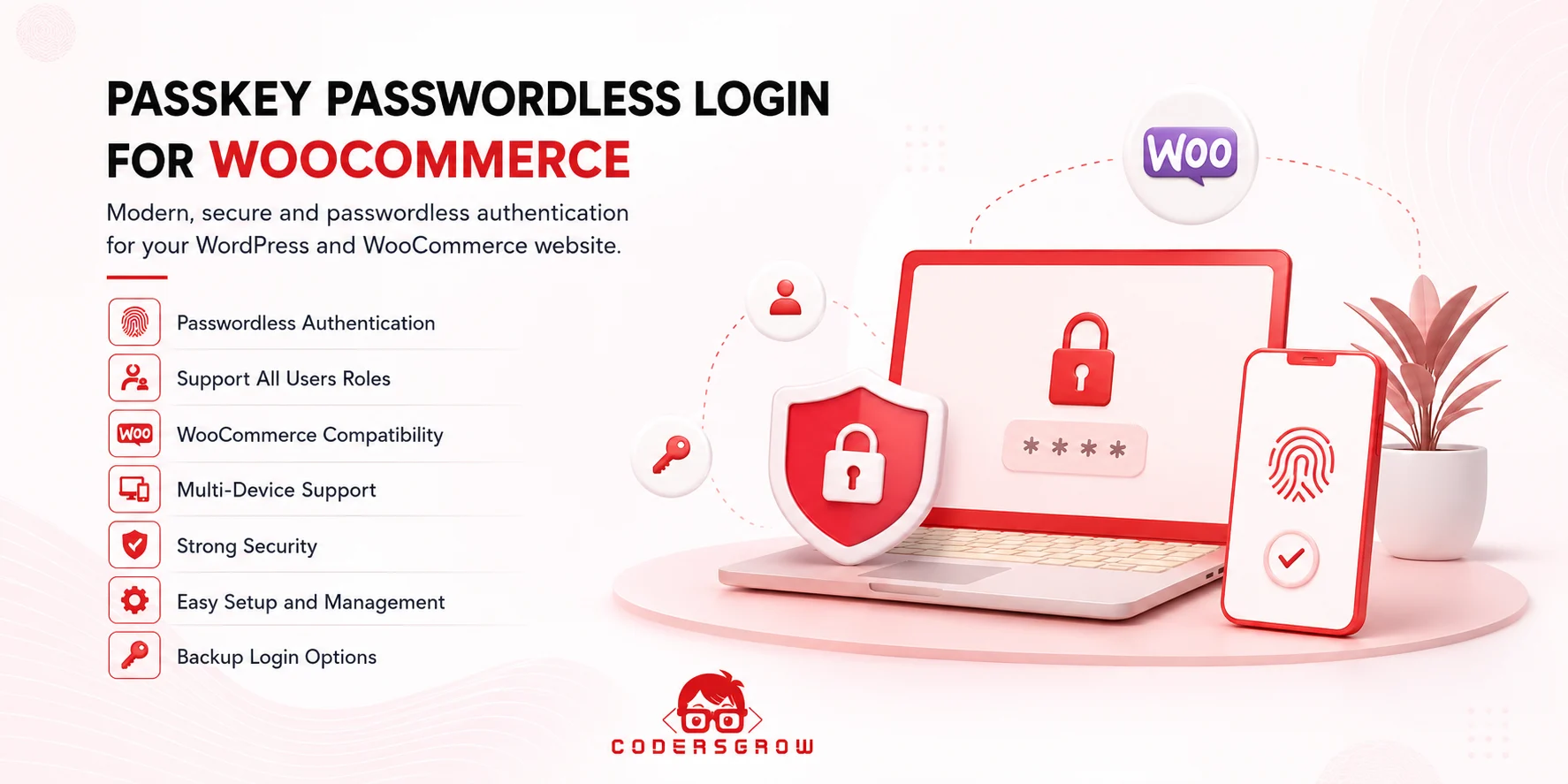
Why Traditional Passwords Harm Your E-Commerce Store
Passwords create friction at the exact moment you want customers to feel confident and purchase. Consider the friction a returning shopper experiences:
- The customer adds $150 of goods to their cart and proceeds to checkout.
- WordPress prompts them to log in to access saved shipping addresses or loyalty points.
- The customer attempts three password combinations, gets locked out, and abandons the order entirely.
- Brute-force bots continuously hammer your
/wp-login.phpendpoint, consuming server CPU and risking account takeovers.
Evaluation Framework: How We Ranked Passwordless Plugins
To identify the best wordpress passwordless login plugin, we tested the top solutions across six critical performance benchmarks:
- WebAuthn and FIDO2 Standard: Does the plugin use native cryptographic public/private key pairs, or does it rely on fragile magic email links?
- Device Biometric Support: Does it seamlessly trigger FaceID, TouchID, Windows Hello, and hardware security keys (like YubiKey)?
- WooCommerce Checkout Integration: Can customers authenticate seamlessly during the checkout process without leaving the order review page?
- Fallback Authentication: Does the system support graceful fallback to standard passwords or email OTPs if a user logs in from an unsupported browser?
- Account Security & Privacy: Are biometric keys stored strictly on the user’s local secure enclave without transmitting private keys to external servers?
1. Passkey Passwordless Login For WordPress and WooCommerce (Top Pick)
Developed by CodersGrow, Passkey Passwordless Login is the premier biometric authentication plugin built specifically for WordPress administrators and WooCommerce storefronts. Fully compliant with modern W3C WebAuthn standards, it brings Apple and Google-grade biometric sign-in directly to your store.
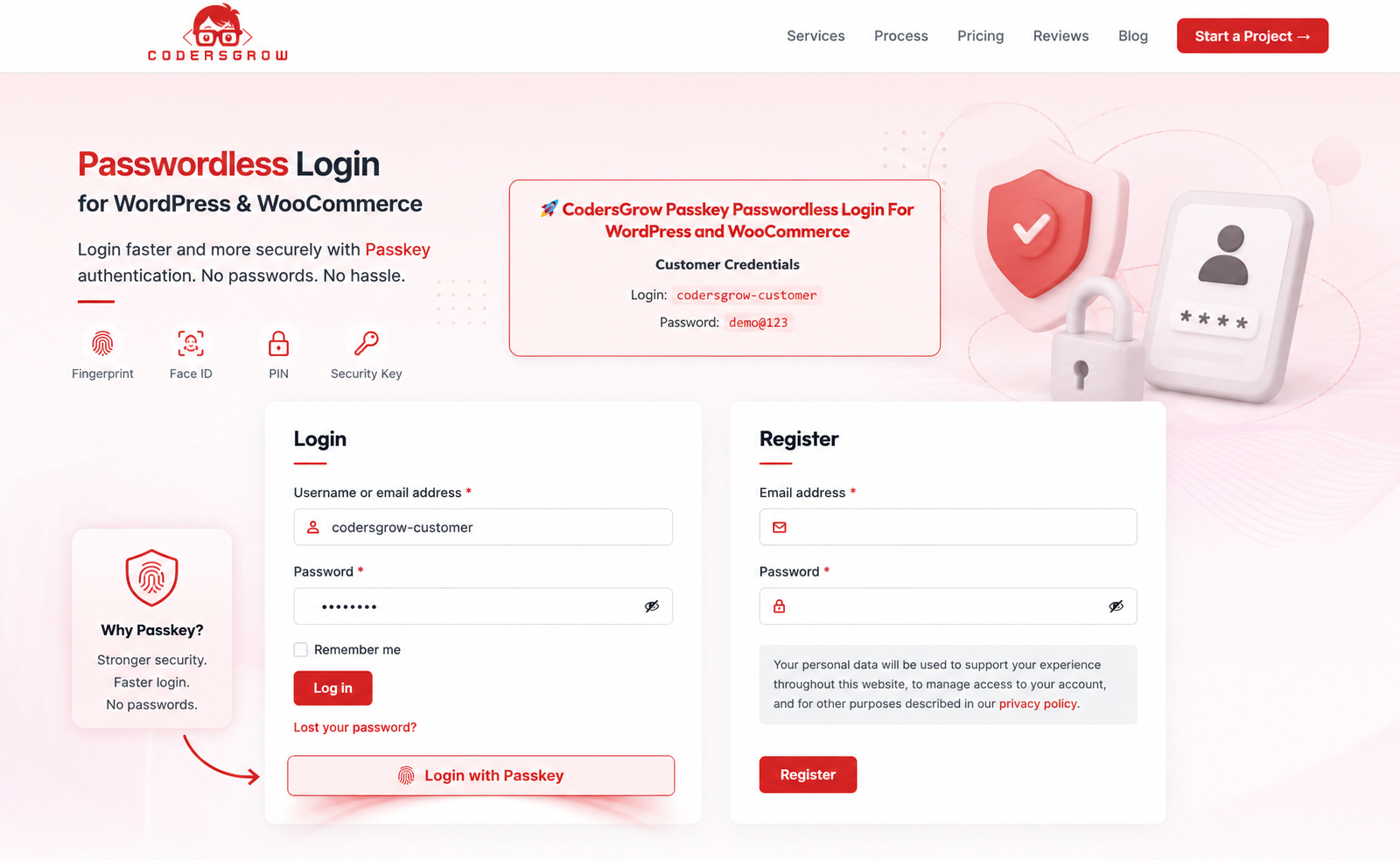
Standout Capabilities of Passkey Passwordless Login:
- Native Hardware Biometrics: Authenticate shoppers instantly via TouchID, FaceID, Windows Hello, or Android fingerprint sensors.
- Zero Password Storage: Private cryptographic keys remain locked inside the customer’s device secure hardware module, making credential theft impossible.
- Seamless WooCommerce Integration: Embeds passkey registration into the customer My Account dashboard and inline checkout fields.
- Multi-Device Passkey Sync: Fully supports synchronized passkeys via Apple iCloud Keychain and Google Password Manager.
- Graceful Hybrid Fallback: Allows users to maintain standard passwords alongside multiple registered biometric devices for total access flexibility.
For complete setup instructions, check out our comprehensive WordPress passkey authentication guide.
2. iThemes Security (Solid Security) – Magic Links
iThemes Security (now Solid Security) is an established WordPress security suite that includes basic passwordless authentication via magic email links.
Strengths and Limitations:
Solid Security offers comprehensive firewall and file monitoring features. However, its passwordless functionality relies heavily on email magic links. Customers must leave your store, open their email inbox, click a verification link, and wait for a browser redirect—a process that introduces significant mobile checkout drop-off.
3. miniOrange Passwordless Login
miniOrange is an enterprise identity provider offering various multi-factor authentication (MFA) and single sign-on (SSO) extensions for WordPress.
Strengths and Limitations:
miniOrange supports multiple authentication types, including SMS OTPs, mobile apps, and QR codes. However, its administrative interface is complex, setup requires registering for third-party miniOrange cloud accounts, and ongoing usage carries recurring monthly subscription fees.
4. WP WebAuthn (Open Source)
WP WebAuthn is an open-source developer plugin that introduces basic WebAuthn two-factor authentication to the standard WordPress login form.
Strengths and Limitations:
It is free and adheres cleanly to WebAuthn protocols. However, it is primarily designed as a secondary two-factor layer for site administrators rather than a streamlined 1-click customer login experience for WooCommerce shoppers.
Comparison Summary: Top Passwordless Extensions
Compare the leading solutions side-by-side to choose the best wordpress passwordless login plugin for your business:
| Feature | Passkey Login (CodersGrow) | Solid Security | miniOrange |
|---|---|---|---|
| Authentication Method | Native Biometrics / Passkeys | Email Magic Links | SMS OTP & Apps |
| Sign-In Latency | Instant (< 2 seconds) | Slow (requires email open) | Medium (waiting for SMS) |
| WooCommerce Optimized | Yes (Inline Checkout) | Basic Login Only | Requires Enterprise Addon |
| Third-Party Cloud Dependency | Zero (100% Self-Hosted) | Email Server Dependent | miniOrange Cloud Required |
Frequently Asked Questions
What happens if a customer loses their phone or passkey device?
Customers can easily fall back to standard email password reset or alternative verified devices registered to their account, ensuring they are never locked out of their purchases.
Do passkeys work across both iPhones and Android smartphones?
Yes. Passkeys are an industry-wide standard natively supported across iOS, macOS, Android, Windows, Chrome, Safari, Firefox, and Edge browsers.
Is biometric data (like fingerprints or facial scans) sent to my website?
No. Biometric data never leaves the user’s personal device hardware enclave. Your website only receives a cryptographically signed cryptographic token validating identity.
Final Verdict: Future-Proof Your Customer Authentication
Choosing the best wordpress passwordless login plugin provides immediate security dividends while drastically reducing cart abandonment. While magic link plugins offer basic alternatives, Passkey Passwordless Login For WordPress and WooCommerce delivers true next-generation biometric authentication—fast, phishing-proof, and self-hosted—making it the top recommended choice for 2026.
Get Passkey Passwordless Login for WooCommerce →
Test the Live Biometric Demo