
Using a modern woocommerce email customizer is one of the most profitable, overlooked growth levers in modern e-commerce. While store owners invest thousands of dollars into optimizing product landing pages and checkout funnels, transactional emails”such as order confirmations, customer invoices, and shipping notices—consistently achieve open rates between 60% and 80%, according to research from Baymard Institute. Yet, default WooCommerce emails remain notoriously plain, rigid, and trapped in hardcoded legacy PHP templates.
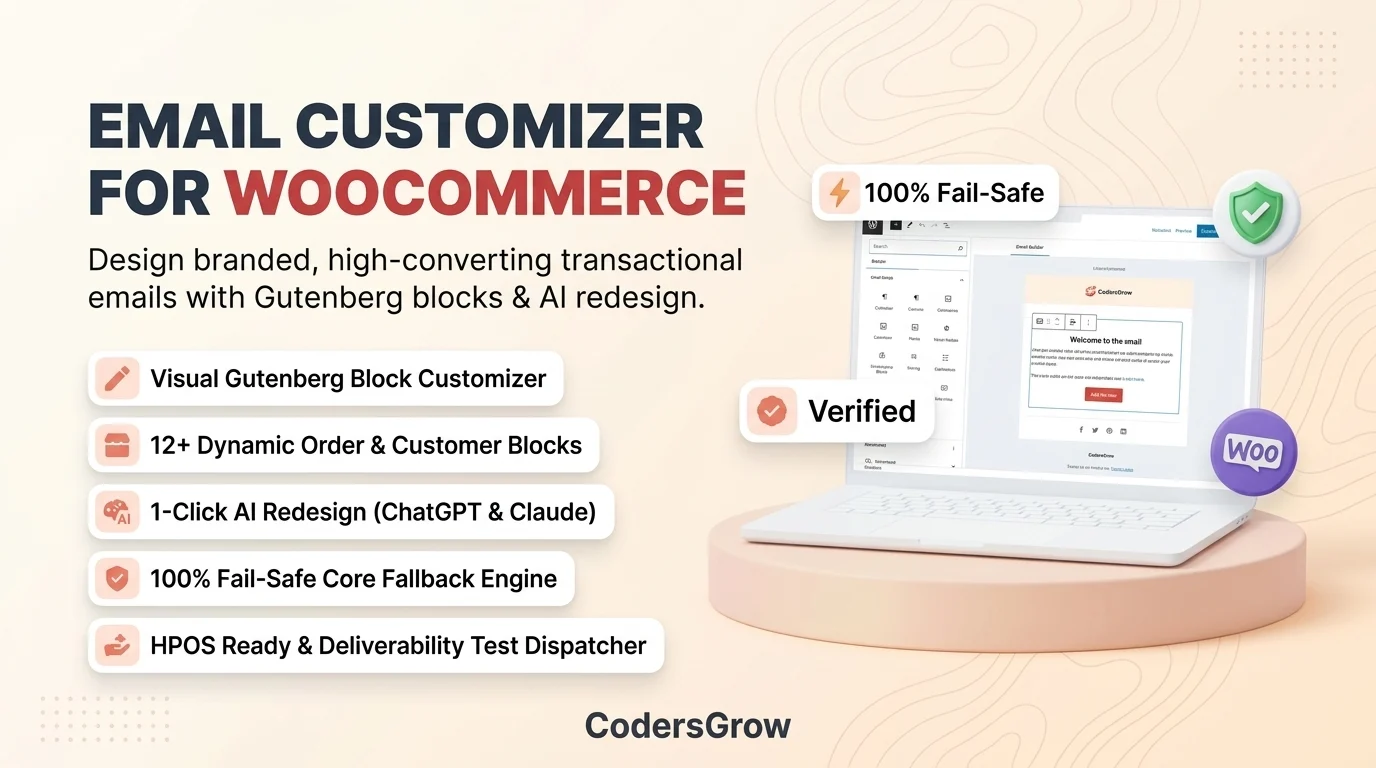
Enter EmailCraft for WooCommerce”a next-generation, Gutenberg-powered visual email customizer designed to help store owners, designers, and developers craft stunning, high-converting transactional emails with zero coding required. With deep WooCommerce block integration, multi-device viewports, real-time sample order previews, a 1-click AI redesign engine, and a 100% fail-safe fallback architecture, EmailCraft transforms boring receipts into memorable, brand-building touchpoints.
The Problem with Default WooCommerce Emails (And Why Legacy Customizers Fall Short)
Every online merchant recognizes the standard WooCommerce email template: a generic purple header banner, plain monochrome typography, and basic HTML tables. When customers receive an order confirmation after spending their hard-earned money, this generic experience breaks brand continuity and misses crucial post-purchase engagement opportunities.
Until recently, merchants had only two frustrating choices:
- Hardcoding PHP Template Files: Copying PHP files into a child theme (
/woocommerce/emails/), editing raw HTML tables, and praying that future WooCommerce core updates don’t break custom overrides. - Bloated Third-Party Builders: Installing heavy external SaaS plugins or clumsy iframe editors that slow down admin page loads, inject hundreds of kilobytes of un-inlined CSS, and risk crashing order emails during peak traffic.
A true woocommerce email customizer must be native, lightweight, and resilient. That is precisely why EmailCraft was architected from the ground up using WordPress’s native Gutenberg block technology, guaranteeing seamless store integration without external subscriptions or performance compromises.
Key Features of EmailCraft: The Ultimate WooCommerce Email Customizer
EmailCraft is packed with enterprise-grade capabilities tailored specifically for high-growth WooCommerce stores. Below is a comprehensive look at the features that set EmailCraft apart.
1. Dedicated Fullscreen Gutenberg Visual Block Editor
Unlike plugins that wedge clumsy settings into narrow WordPress Customizer sidebars, EmailCraft provides a clean, fullscreen Gutenberg block canvas. You can build, drag, drop, and configure email sections with the familiar WordPress editing interface you already know and love. There are no proprietary builder syntax rules or third-party accounts to manage.
Real-Time Viewport Switching
Toggle instantly between Desktop View (600px standard email card) and Mobile View (360px smartphone viewport) directly from the top toolbar. Review how nested columns stack, inspect button tap-targets, and ensure flawless legibility across iOS Mail, Gmail, and Outlook before sending.
2. 12+ Purpose-Built E-Commerce & Transactional Blocks
EmailCraft ships with a dedicated suite of email-safe Gutenberg blocks designed specifically for transactional commerce:
- WooCommerce Order Items Table: Visually showcase purchased items with toggles for high-res product thumbnails, SKU numbers, item quantities, and subtotal lines.
- Order Totals Breakdown: Beautifully format subtotals, shipping methods, coupon discounts, tax rates, and final payment amounts.
- Customer Address Cards: Present billing and shipping addresses cleanly in either a 2-column side-by-side layout or a stacked mobile-friendly card.
- Customer Note Card: Highlight special delivery instructions or personalized customer notes in an elegant callout box.
- Bulletproof CTA Buttons: Create high-converting call-to-action buttons (e.g., “View Your Order”, “Track Delivery”, “Shop New Arrivals”) with full control over background colors, padding, corner radius, and dynamic URL parameters.
- Heading & Paragraph Blocks: Complete typography control with curated font stacks, responsive font sizing, custom line heights, and color pickers.
- Multi-Column Responsive Grid: Construct sophisticated 1, 2, or 3-column layouts that automatically collapse into a single stacked column on mobile devices.
- Social Media Icons: Embed crisp vector social icons (Facebook, Instagram, X/Twitter, LinkedIn, YouTube, Pinterest) with customizable icon styling and links.
- Bank Transfer & Payment Instructions: Automatically output BACS account details and custom gateway checkout instructions.
- Third-Party Action Hooks: Native support for core WooCommerce hooks (
woocommerce_email_before_order_table,woocommerce_email_after_order_table), guaranteeing compatibility with shipment tracking and invoice plugins.
3. Dynamic Merge Tag & Mustache Replacement Engine
Personalization is the key to customer delight. EmailCraft incorporates an intelligent merge tag engine supporting both standard curly tags and Mustache syntax:
- Order Information:
{order_number},{order_date},{order_status},{order_total},{order_subtotal},{shipping_total},{discount_total},{tax_total},{payment_method},{shipping_method} - Customer Personalization:
{customer_first_name},{customer_last_name},{customer_name},{customer_email},{customer_phone} - Store & Dynamic Links:
{site_title},{store_url},{my_account_url},{view_order_url},{copyright_text}
With EmailCraft’s Sample Order Picker, you can switch between mock orders (#1024, #1025, #1026) directly inside the canvas to witness real dynamic tags resolve in real-time.
4. 1-Click AI Redesign Engine (ChatGPT & Claude Integration)
Want a fresh, designer-grade look without hiring an expensive agency? EmailCraft features an innovative AI Redesign Modal. Simply select any email template, enter optional branding instructions (such as “Sleek minimalist dark mode with gold accents and large order summary cards”), and click.
EmailCraft automatically synthesizes a prompt containing your complete email context, dynamic merge tags, and email client coding constraints. With one click, launch the prompt directly into ChatGPT or Claude, let the AI generate modern HTML, copy the result, and paste it right back into EmailCraft’s HTML inspector to apply your new design instantly.
5. 100% Fail-Safe Architecture (Zero Dropped Emails)
In e-commerce, missed or broken transactional emails translate directly into customer panic, chargebacks, and lost trust. Many third-party email builders fail catastrophically if an unhandled PHP exception or syntax error occurs during rendering.
EmailCraft features an enterprise-grade failsafe interception pipeline. If an exception ever occurs while rendering a custom template, EmailCraft catches the error safely, logs the technical trace to WooCommerce Logs for developer inspection, and immediately falls back to the core WooCommerce email template. Your customers will always receive their receipts—guaranteed.
6. High-Performance Order Storage (HPOS) & Block Checkout Compatibility
EmailCraft is built for modern WooCommerce infrastructure. It officially declares and enforces complete compatibility with:
- WooCommerce HPOS (Custom Order Tables): Supercharged database architecture for rapid checkout and high-volume order processing.
- Cart & Checkout Blocks: Fully compatible with WooCommerce’s latest block-based checkout workflows.
- Inlined CSS & Outlook MSO Standards: Automatically compiles modern styling into Outlook-compatible nested tables with inline CSS according to W3C email standards.
7. Deliverability Test Dispatcher & Template Portability
- Instant Inbox Test Dispatcher: Send live rendered test emails with mock order data to any email address in seconds to review real client rendering across Apple Mail, Gmail, Yahoo, and Outlook.
- JSON Template Export & Import: Export complete email designs as portable JSON files. Easily migrate custom email templates between local development, staging servers, and live production stores.
- 1-Click Duplication & Core Revert: Duplicate templates to test new variations, or revert any customized email back to WooCommerce core defaults with a single click.
Head-to-Head Comparison: EmailCraft vs Alternatives
How does EmailCraft compare against default WooCommerce setups and legacy email customizer plugins?
| Feature / Capability | EmailCraft for WooCommerce | Default WooCommerce | Legacy Customizer Plugins |
|---|---|---|---|
| Editor Type | Native Gutenberg Block Canvas | None (Raw PHP Code Overrides) | Slow WP Customizer / Clunky iFrames |
| AI Redesign Assistant | Yes (1-Click ChatGPT & Claude) | No | No / Paid Add-on |
| 100% Fail-Safe Fallback | Yes (Zero Dropped Emails) | N/A | No (Throws Fatal Errors on Bug) |
| Responsive Viewports | Desktop (600px) & Mobile (360px) | Basic Static Preview | Limited or Inaccurate |
| HPOS & Block Checkout | 100% Fully Certified | Yes | Often Triggers HPOS Incompatibility Warnings |
| Pricing & Bloat | Lightweight, Clean Modular Code | Free but Unusable Design | Heavy SaaS Subscriptions ($99+/yr) |
Step-by-Step Guide: How to Customize WooCommerce Emails with EmailCraft
Getting started with EmailCraft takes less than five minutes. Here is how simple it is to elevate your store’s communication:
Step 1: Install & Activate EmailCraft
Download the plugin package and upload it via WordPress Admin > Plugins > Add New > Upload Plugin. Once activated, navigate to the dedicated menu at WooCommerce > EmailCraft.
Step 2: Choose an Email to Customize
From the main dashboard, you will see a structured list of all supported standard WooCommerce transactional emails, including Customer Processing Order, Customer Completed Order, Customer Invoice, and New Account. Click the Customize button next to the email type you wish to design.
Step 3: Visual Design & Global Branding
In the fullscreen Gutenberg canvas, use the sidebar to adjust your global styling: upload your store logo, choose your primary brand color, configure canvas backgrounds, and set corner radiuses. Drag in blocks such as Order Items, Billing Addresses, or Promotional Banners to structure your layout.
Step 4: Preview with Real Mock Order Data
Use the sample order dropdown to test how dynamic customer names, real order numbers, and live product totals render in both desktop and mobile viewports.
Step 5: Send a Test Email & Publish
Click Send Test Email to send a live proof directly to your inbox. Once you are 100% satisfied with the visual presentation, click Save Template. Your new custom email is immediately active, overriding the default WooCommerce template automatically!
Frequently Asked Questions (FAQ)
Does EmailCraft require the standalone Gutenberg plugin?
No. EmailCraft uses the native WordPress block editor libraries already bundled into core WordPress (version 5.8+). You do not need to install any external builder plugins.
What happens if a custom template encounters a server error?
EmailCraft features an automated fail-safe interception mechanism. If any template rendering error occurs, EmailCraft safely catches the exception, logs diagnostic details to WooCommerce Logs, and immediately falls back to core WooCommerce email templates so that no order notification is ever missed.
Can I export my designs from a staging site to my live store?
Yes. EmailCraft provides built-in JSON Export and Import tools. You can export any email template with a single click, copy the JSON data, and import it directly into your production store in seconds.
Is EmailCraft compatible with custom order statuses or third-party shipment tracking plugins?
Yes. EmailCraft supports all standard WooCommerce email hooks (e.g. woocommerce_email_before_order_table and woocommerce_email_after_order_table). Plugins that inject tracking links, custom barcodes, or PDF invoice downloads integrate seamlessly.
Can I revert back to the default WooCommerce template at any time?
Absolutely. From the EmailCraft dashboard, click the “Reset to Default” button next to any customized email to instantly restore the original core WooCommerce template.
Ready to Transform Your WooCommerce Transactional Emails?
Turn routine order confirmations into memorable, repeat-purchase engines with EmailCraft. Explore our complete suite of high-converting e-commerce tools or consult with our development team for custom WooCommerce solutions.
